
01
One photo for each role
The first upload is the balcony subject and the second upload is the spotlight subject. Swapping those uploads changes the story more reliably than asking the prompt to reverse their roles.
La Tormenta de Arena is the nightclub spotlight video trend: someone looks down from a balcony, the camera finds a second person in the crowd, and a white beam catches their face as they look up. Upload two photos on Kuca to make your version using the prepared reference video and scene instructions, with a 720p MP4 and a fixed cost of 100 credits.
The photo order assigns the two parts. You do not need to build the club scene or upload a reference clip yourself.
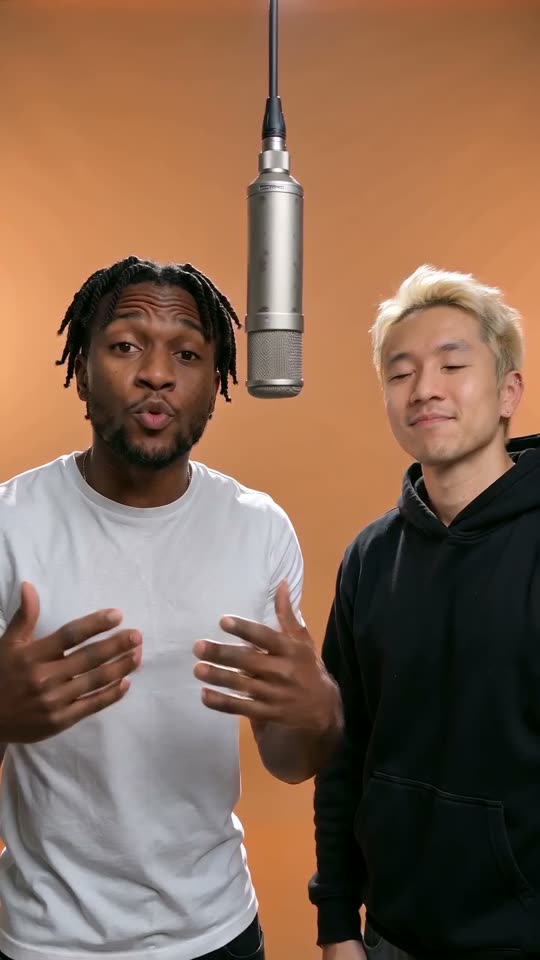
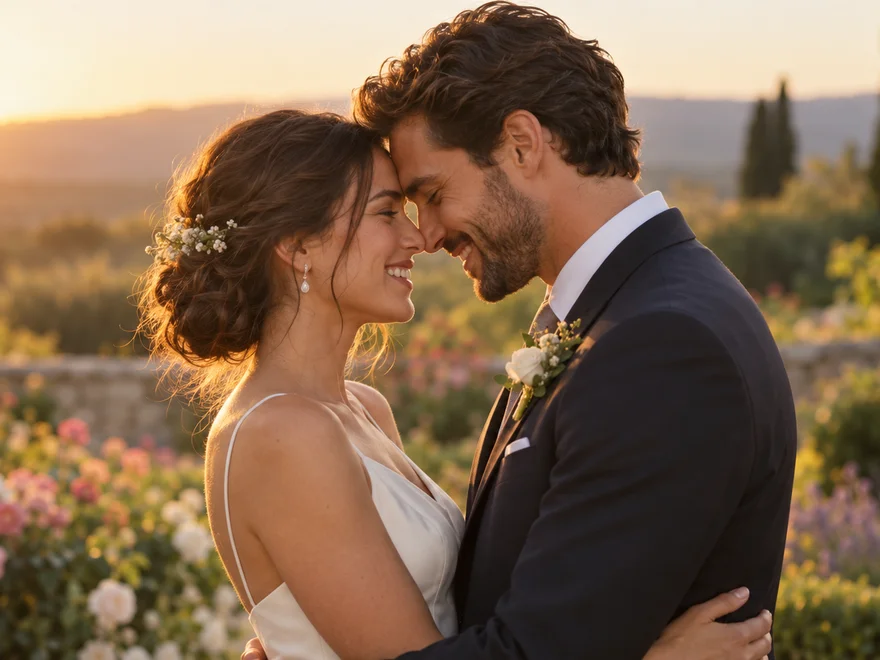
Upload one clear portrait in On the balcony. This is the subject who looks down over the railing; keep their face and hairstyle visible.
Add the second portrait in In the spotlight. Choose a single subject with a clearly visible face; the template places them among the dancers.
Use the prepared scene or open Edit to change it. Choose 9:16 or 16:9 and a duration from 4 to 15 seconds; the default is 15.
Check the 100-credit cost, then sign in and generate. Watch the finished clip with sound and download the MP4 from your history.
Two people, two levels of the club, and the moment a light connects them.
The recognizable moment is a change of viewpoint, not a literal sandstorm. One subject is separated from the busy room by the balcony height; the other is briefly anonymous among the dancers.
The camera connects them, a spotlight isolates the second subject, and the look upward completes the exchange. That small sequence is what gives a couple, a friendship or an unexpected pairing its joke.
The name comes from Dorian’s song La tormenta de arena. The video meme borrows the nightclub atmosphere associated with the Spanish film Tres metros sobre el cielo.
Kuca builds a new scene from your photos and the prepared reference video. Pick the pair that tells your story, whether that is a couple, two friends or two pets, and use the balcony and the dance floor to give them their own moment.
Give each role a clear identity reference before you change the scene.
The first upload is the balcony subject and the second upload is the spotlight subject. Swapping those uploads changes the story more reliably than asking the prompt to reverse their roles.
Choose photos where each subject is easy to identify without another face beside them. A chest-up portrait normally gives enough information for expressions while leaving room for a railing, shoulders and a natural turn of the head.
Avoid hiding the eyes behind a strong reflection or covering the mouth with a hand. Keep the original hairstyle and clothing visible if they matter to the pairing.
The model still has to invent a moving body and an unfamiliar room, so small changes in pose are normal. If one face drifts, replace that particular photo before rewriting all the scene instructions or changing both references at once.
Watch the selected reference to see the balcony, camera movement and crowd reveal together.
A man leaning on the balcony looks down toward a woman in a black dress. The camera crosses the blue-lit crowd before settling on her face, making the exchange feel like a quiet moment inside a busy room. For this kind of scene, give each photo a distinct role and keep the expressions simple. Leave time for the second person to look up; that final response is what connects the two shots.
Generate videoThe colorful outfit and striped shirt make this pairing easy to recognize before the camera reaches the dance floor. The humor comes from placing familiar-looking characters inside a dramatic nightclub scene, while the balcony and spotlight keep the story clear. Try photos with visible clothing details and a clean view of each face. Keep the prepared camera sequence, then adjust a smile or a reaction rather than adding several new actions.
Generate videoA bespectacled wizard watches from the balcony, and the spotlight reveals a second character in a dark robe below. Their contrasting faces and costumes turn the same camera movement into a fantasy-film encounter. When planning a similar pairing, choose references that preserve the features people recognize first: glasses, hairstyle, the outline of the face or a distinctive collar. Keep those details consistent in the scene instructions so attention stays on the reveal.
Generate videoA woman in a denim shirt looks across the room before the camera finds a hooded figure wearing a white mask. The contrast between an ordinary portrait and an unexpected second character gives the final shot its surprise. For your own version, decide who introduces the scene and who delivers that last reveal. Keep the crowd in the background and give the second subject a clear silhouette, so the joke reads immediately on a phone screen.
Generate videoChoose the frame and pacing for the place you plan to share your clip.
The starting frame is vertical 9:16, with a 15-second duration. Vertical framing suits a phone screen and makes the final face easy to see. Horizontal 16:9 gives more space to the room and the balcony.
Choose the destination before generating rather than cropping away half the spotlight moment afterward. The resolution stays at 720p; there is no resolution menu on this template.
The slider offers whole seconds from 4 to 15. A very short clip has less room for the balcony introduction and the crowd search, so the reveal may feel faster. A longer clip can give the second subject more time to look up.
Every offered length costs the same 100 credits. The download is an MP4; the chosen framing does not create a different subscription or a separate soundtrack charge.
Guide the nightclub beat and atmosphere in the prompt, then review the generated sound with the finished scene.
The scene instructions guide the sound as well as the picture. Describe a nightclub beat, the atmosphere of the dance floor and a musical lift when the spotlight finds the second subject.
Kuca sends your two photos, the prepared reference video and the prompt to the model together. Review the generated audio alongside the camera movement: the balcony introduction, the search across the crowd and the final look upward should feel like one scene.
If you trim the MP4 later, keep the musical phrase and the reveal together. Listen from the balcony introduction through the move into the crowd before choosing the final cut. Leave enough of the last shot for the second subject to look up and respond.
Adjust the music level after editing so the same phrase carries the scene from the first face to the second. Preview the complete export once more before sharing it.
Check the cost, account permissions and result before making your next version.
One generation costs 100 Kuca credits for the video and its model-generated audio. Uploading and reading the instructions do not start a paid generation. Your available balance must cover the full cost before submission.
Daily check-in rewards total 20 credits over a seven-day cycle, so that single cycle does not fund one video on its own. Use existing credits or choose a credit pack if you need more.
Free accounts generate publicly and their downloads carry a watermark. Paid accounts can choose private generation and download without that watermark. Set the visibility beside the Generate video button before submitting.
If generation fails, the task’s charged credits are returned through Kuca’s existing refund process. You can check the task status in this page’s history and open the finished result there. Use the same account when you return so you can find the video and download its MP4.
Use two separate photos, with one main subject in each. Photo one belongs on the balcony and photo two belongs in the spotlight. A group photo leaves the model guessing which face should play the part. Uploading the same photo twice is possible, but it produces a different joke from a two-person encounter.
Each generation costs 100 credits at every offered length. You can use an existing credit balance, including rewards you have already collected. Daily check-in gives 20 credits over seven days, not a free 100-credit video. The button shows the cost before you submit; there is no separate music fee.
Open Edit and describe the music and atmosphere in the scene instructions. The model generates the audio together with the video from your photos, the reference video and the prompt. You do not need to upload a separate audio file. For a particular recording, add it in your own video editor after downloading.
Click Edit to read or change the scene instructions, or leave the prepared scene as it is. Keep photo one on the balcony and photo two in the crowd. Restore scene brings back the original instructions. If you clear the field, Kuca uses the prepared scene when submitting.
Yes. Use two clear photos of your pets with their faces, fur and markings visible. Assign one pet to the balcony and the other to the dance floor. Keep the instruction to preserve their natural faces and proportions.
A submitted task continues through the server’s generation process even if you close the page. Return with the same account to see this template’s history. A failed generation returns its charged credits. If the history cannot load, refresh rather than repeatedly paying for a new submission.
Free accounts generate publicly and download with a watermark. Paid accounts can select private generation and download without it. Choose the visibility beside the Generate video button before submitting. Return with the same account to view your videos and download the finished MP4.
La tormenta de arena means the sandstorm in English. Here it names the Dorian song and its associated video meme, not a weather effect. The balcony-and-crowd scene is associated with Tres metros sobre el cielo. Kuca makes an AI interpretation with your references to build the balcony and crowd sequence.