
Kuca.ai
Loading
Tiptoeing in My Jordans
01Your dancer
Your dancer0/1
Aspect ratio
14s
100Credits
Remaining credits:
Public

Tiptoeing in My Jordans: Your Photo, That Dance

The grin, the tiny steps, the arms held out as if nobody can see you: Tiptoeing in My Jordans turns a strange fairy-tale dance into an instantly recognizable meme. Upload one photo to put your face on the dancer, keep the straw-filled barn and retro movie atmosphere, and make a short MP4 that keeps the meme’s song from the reference clip. The tool starts at 14 seconds in vertical 9:16, with a fixed 100-credit cost.

Make a Tiptoeing in My Jordans video from one photo

The template already includes the scene and a movement reference. Start with the person you want to cast as the dancer.

  1. 1

    Upload your dancer

    Add one well-lit photo with a clearly visible face. Use a single person so the template can identify the dancer without guessing.

  2. 2

    Read or edit the Prompt

    Keep the prepared barn scene, or open Edit to adjust an expression or styling detail. Restore prompt brings back the starting instructions.

  3. 3

    Choose your frame and length

    Start with 9:16 for a phone screen or choose 16:9 for a wider scene. Set a whole-second duration from 4 to 15.

  4. 4

    Generate and review the dance

    Sign in, check the 100-credit charge and generate. Return to this page’s history to watch the result with sound and download your MP4.

Why is everyone tiptoeing through a fairy-tale barn?

A familiar face, an improbable fairy tale and a very confident little dance.

The grin and the tiny steps

The Rumpelstiltskin AI trend pairs an uncanny little dance with a song that makes the movement feel absurdly confident. The performer grins, raises his arms and takes small steps through a room filled with straw.

A scene that feels remembered

Warm lighting, theatrical clothing and slightly unreal expressions make the scene look like a half-remembered fantasy film. That contrast is the joke: someone familiar suddenly appears in a fairy tale, looking far too pleased with their own entrance.

An AI-made fairy tale

The circulating scene was made with AI; it is not a recovered sequence from the 1987 Rumpelstiltskin movie. Social posts later paired the dance with RiFF RAFF’s Tip Toe Wing In My Jawwdinz, and people began replacing the performer or adding everyday captions.

Your photo in the dancer’s role

This template follows the photo-replacement version. Your picture supplies the dancer’s identity while the prepared reference guides the recognizable gestures, setting, camera sequence and song.

Choose a face the dance can keep recognizable

Let a simple portrait do the identity work before you change the scene.

01

Keep the face and hair clear

Use a sharp portrait with even lighting and enough space around the hair and chin. A front-facing or slightly turned face is easier to carry into the dance than a distant figure, a heavy filter or a profile hidden by hair.

02

A portrait is enough

A chest-up photo is a useful starting point. You do not need to own a costume, stand on tiptoe or photograph yourself inside a barn; the template creates the moving body and surrounding scene.

03

One main subject

Put one main person in the upload. A crowded group photo can make the identity assignment ambiguous, especially when the reference cuts between the performer and an observer. Keep sunglasses, hands and strong reflections away from the eyes and mouth.

04

Fix the photo before the Prompt

If the finished dancer looks unlike the photo, try a clearer reference before adding more instructions. Use your own picture or a photo you have permission to animate, and choose an expression you are comfortable seeing exaggerated.

See how the Rumpelstiltskin AI dance becomes a meme

Sourced TikTok examples show the dance, character variations and caption jokes. They are references to the trend, not Kuca-generated results.

TikTok · @theamazingspiderman6161

The fairy-tale performance

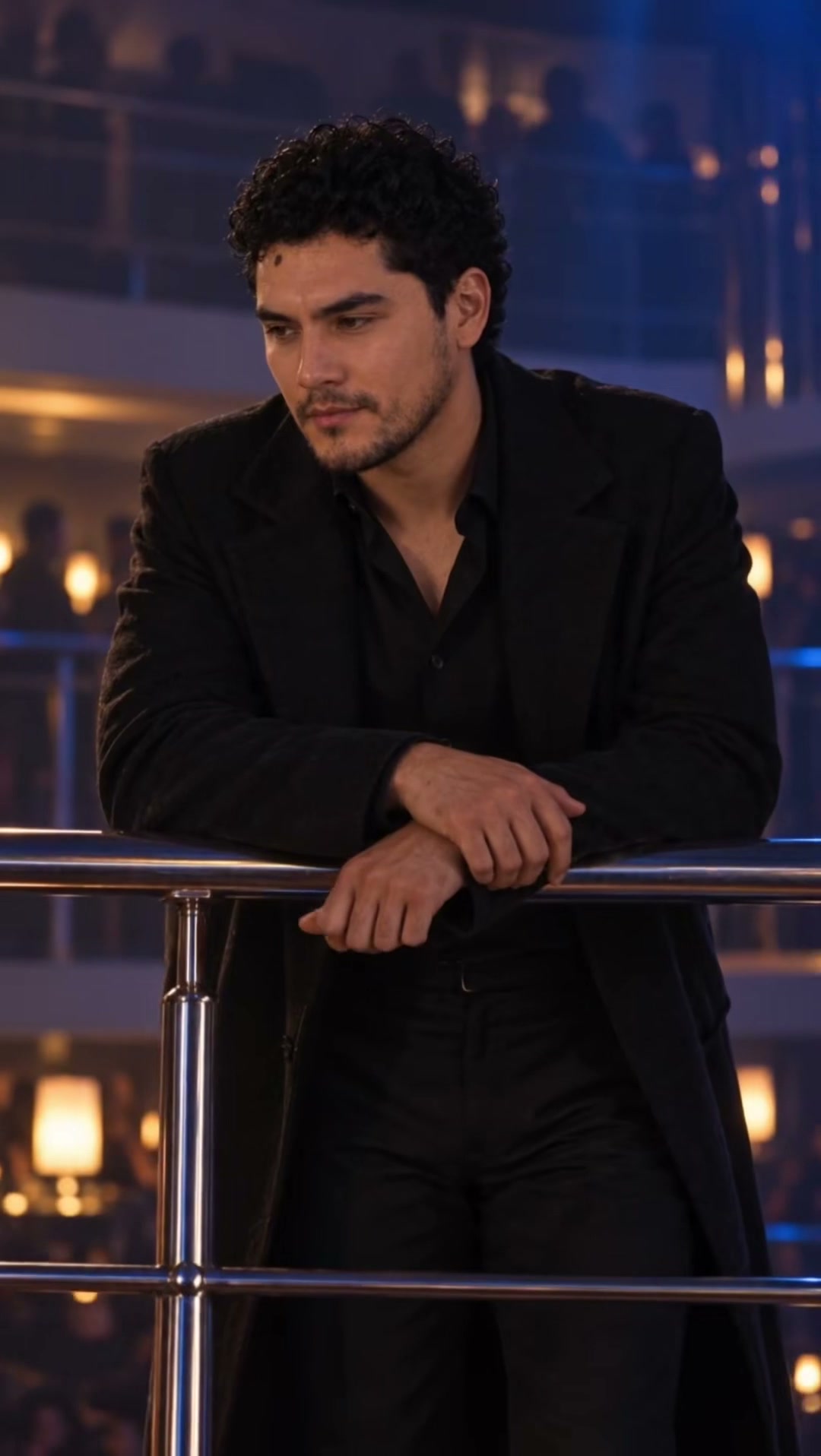
The scene’s appeal starts with the performer rather than a complicated story: an exaggerated grin, a theatrical costume and steps that seem much too deliberate. Watch how the face changes between the close shot and the wider dance. For your version, give the template a clear portrait and keep the prepared scene intact. That leaves the model one main job: carry a recognizable person through the same odd little performance.

Generate video
TikTok · @ns7films

A familiar character takes the dancer’s place

This character remix keeps the fairy-tale setup while changing who performs it. The humor comes from recognizing the face inside a scene where it clearly does not belong. Notice how the close-up introduces the identity before the dance sells the joke. When choosing your own portrait, favor the features people recognize immediately: hair, the shape of the face and a clear expression. Let the existing setting provide the surprise.

Generate video
TikTok · @deckcake

A midnight-snack caption changes the story

A kitchen setting and a short caption turn the same sly expression into a joke about finding a late-night snack. This social edit shows why the dance remains readable outside its original fairy-tale context. Kuca’s prepared template keeps the barn scene; you can add your own caption after downloading. Leave the face, arms and shoes visible so the text explains the joke without covering the movement that makes it funny.

Generate video

Give the tiny steps enough room

Choose a frame that keeps the face, hands and shoes in the shot.

Vertical for a phone screen

Vertical 9:16 is selected when you arrive. It works well for a full-screen phone post and keeps attention on the performer. Choose horizontal 16:9 when you want more space for the barn, the observer and the dancer’s outstretched arms.

Wider room for the scene

The original social examples use different frames, so their proportions are preserved in the showcase. Your output follows the ratio you choose in the generator rather than the dimensions of your uploaded portrait.

Four to fifteen seconds

Duration is adjustable from four to fifteen whole seconds, with fourteen selected by default. A short version gets to the gesture quickly; a longer version gives the grin, hand movement and steps time to unfold. The generated picture is 720p and the downloadable file is an MP4.

720p MP4, fixed 100 credits

All offered durations and both ratios cost the same 100 credits. Choose your destination first so a later crop does not cut off the shoes, hands or reaction that carries the joke.

Keep the dance, soundtrack and caption working together

The song from the reference clip carries into your video. Check the sound, then add a caption that makes it yours.

01

The song behind the meme

The meme is associated with RiFF RAFF’s Tip Toe Wing In My Jawwdinz, and the fixed dance reference behind this template carries that same recording. Kuca sends your photo, the reference clip and the prepared Prompt to the model together.

02

Keep the reference audio

The Prompt asks the model to keep the reference audio’s music, vocals, rhythm and timing, without composing replacement music or adding sound effects. Watch with the sound on before choosing a take, and check that the small steps still land on the beat through the camera changes.

03

Give the grin a reason

A caption works best when it gives the dancer one ordinary reason to look so sneaky: returning to the kitchen for a snack, leaving a meeting early or celebrating a tiny victory. Add that text in your editor after downloading so you can place it around the face and hands.

04

Post with the song in place

The downloaded MP4 already carries the song, so you do not need to add music before posting; if you also pick the track from a platform’s music library, mute the clip’s own audio so the two copies do not overlap. Keep the caption short enough to read while the dancer moves, and preview the complete edit on a phone before sharing it.

Check the result before you make another take

Check the charge, identity and movement before starting another generation.

  • 100 credits for one submission

    Each submission costs 100 Kuca credits. Uploading a photo, watching examples and opening the Prompt do not start a generation. The Generate video button shows the charge before you submit, and your balance must cover it.

  • Use your balance or a credit pack

    If you use daily check-in rewards, remember that the seven-day cycle totals 20 credits; it does not pay for one 100-credit video by itself. Existing credits or a credit pack can cover the difference.

  • Watch faces, hands and feet

    Inspect the dancer’s face across shot changes, the hand near the mouth and the contact between feet and floor. Small variations are normal in AI video, but duplicate faces, sliding feet or a changing hairstyle are reasons to try a clearer photo or simpler instructions. Free accounts generate publicly and download with a watermark.

  • Visibility, history and failed tasks

    Paid accounts can select private generation and download without it. Return with the same account to this page’s history; a failed generation returns its charged credits.

Before your first Rumpelstiltskin AI dance video

Upload one clear photo in Your dancer, keep the prepared Prompt or edit a small detail, then choose your frame and duration. Sign in and submit after checking the 100-credit charge. This page’s history shows your task and the finished MP4. You do not need to upload a separate dance reference.


No. A clear portrait is enough to supply the dancer’s face and hair. The template creates the costume, movement and surrounding scene from its prepared reference. The name comes from the song associated with the meme; branded shoes are not an upload requirement.


This version accepts one photo for one dancer. The observer in the reference remains part of the background scene. Uploading a group photo does not assign separate roles to everyone in it. Start with one person and keep their face clearly visible for the most understandable result.


Open Edit to read the instructions. Start by changing a smile, a small costume detail or the mood of the lighting. Keep the tiptoe gestures and the reference scene if you want the meme to stay recognizable. Restore prompt brings back the starting text, and a blank field uses those prepared instructions when submitted.


Generating a video costs 100 credits for any offered length from 4 to 15 seconds. Previewing the examples is free. You can use credits already in your account, but daily check-in gives 20 credits over a seven-day cycle, so a single cycle is not enough for one video. Failed generations return their charged credits.


Yes. The template’s dance reference contains the song associated with the meme, and the prepared Prompt asks the model to carry that reference audio into your clip instead of generating new music. The sound is produced in the same generation as the picture, so listen to each take before downloading. A shorter video uses the opening part of the song. Rewriting the audio instructions in Edit can move the result away from the reference song.


Check whether the original photo is clear and whether your edited Prompt asks for too many new actions. Try one well-lit face and the restored instructions first. Review the whole clip, especially cuts, hands and shoes. AI motion varies between takes; another generation uses another 100 credits unless the previous task failed.


Once submitted, generation continues if you leave. Come back to this page using the same account to check the task and open its result in Your videos. You can watch or download the finished MP4 there. Free-account downloads have a watermark; paid accounts can choose private generation and download without it.