
01
Keep the face visible
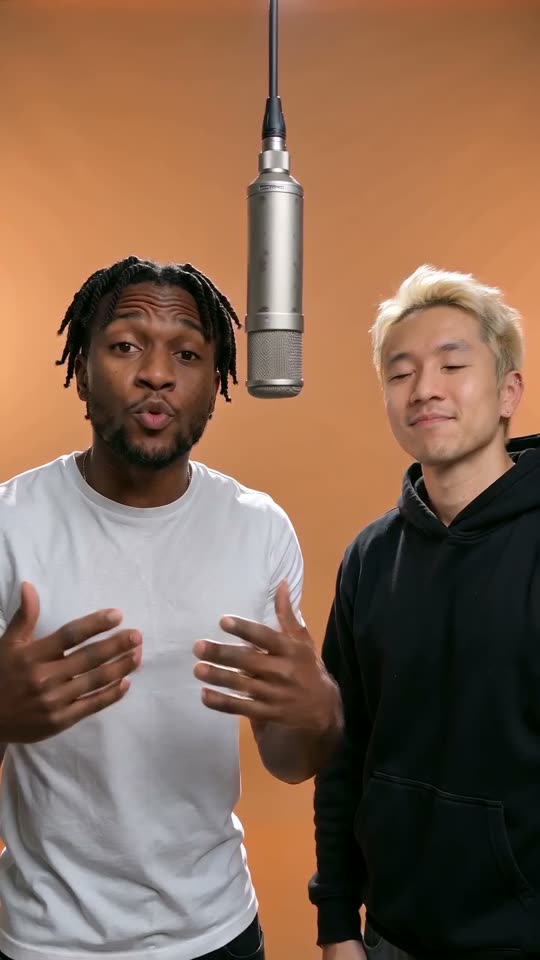
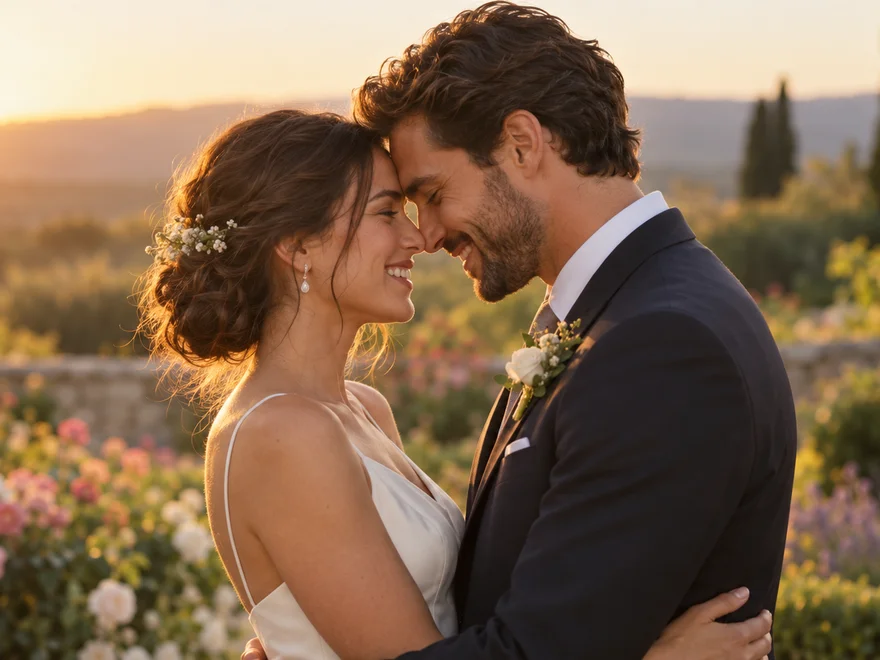
Use a well-lit portrait with one clearly visible face. A front-facing or gently turned view is easier to interpret than a profile hidden by hair, a hand or dark glasses.
Jamie Miller Babydoll Dance is the upbeat dance challenge set to Jamie Miller’s song Babydoll. On Kuca, upload one photo to replace the middle performer in a prepared three-person dance video, with the other two dancers alongside. The reference supplies the scene, steps and soundtrack. Start with the vertical frame and a fifteen-second output, or adjust the settings before spending 100 credits.
You do not need to record yourself dancing or upload a separate performance. The reference clip is already selected.
Upload a sharp photo of one person. Keep the face unobstructed and the hair easy to see. A group picture gives the model several possible identities, so crop to the person you want before uploading.
The prepared Prompt is collapsed at first. Open Edit to read or change it, or keep it as it is. Its central instruction is to replace one person, not invent a new dance or replace the whole group.
Pick 9:16 for a phone-screen post or 16:9 for a wider edit. Duration runs from four to fifteen seconds, with fifteen selected initially. Resolution stays at 720p and the charge stays at 100 credits.
Sign in, check your balance, then submit. Open the finished task in Generation history, play it with sound and download the MP4. Check the middle face during turns as well as the opening frame.
Babydoll is a song by Welsh singer Jamie Miller. His social performances helped turn its buoyant rhythm into a dance challenge: a light bounce, side steps and expressive arms, often performed with friends.
The singer’s well-known black-suit videos are part of that history, but people also perform the routine in studios and ordinary rooms. This template follows one selected performance on a tree-lined lane rather than stitching together several different versions.
The useful distinction is between learning the dance and making a photo-based version. A tutorial helps you perform the steps yourself.
This tool instead casts the person in your photo into the middle role of an existing three-person take. The reference determines the timing and camera view. Keeping those details together makes the result easier to recognize than a newly imagined performance with the same song title.
Use a well-lit portrait with one clearly visible face. A front-facing or gently turned view is easier to interpret than a profile hidden by hair, a hand or dark glasses.
You do not need to copy the pose of the dancer in the reference. Your picture supplies identity, while the prepared video supplies the performance. A sharp upper-body photo is more useful than a distant full-body image with an unreadable face.
Only the middle performer should receive the uploaded appearance. The left and right dancers remain the supporting cast, with their original positions and movement.
When reviewing a take, follow the middle person through turns, overlaps and quick arm movements. The uploaded face should not suddenly appear on a side dancer. If that happens, restore the original Prompt and try a photo with clearer facial features rather than adding several new characters.
Watch the group spacing and timing, then open either creator’s original TikTok post from the link under the video.
Grace Betty Harmer and two friends perform the routine on a tree-lined lane. This is the generator’s fixed reference and the clip shown to the right of the form before you have any tasks. The lead stays in the middle, with a dancer on each side. Follow the raised arms, joined hands and steps toward the camera: your photo should replace the middle person while the other two keep their original appearance and movement.
Generate videoJamie Miller and two dancers perform in the street wearing dark suits, white shirts and sunglasses. This version helps identify the beat and group choreography behind the challenge. Compare its clothes and setting with the lane performance used by the generator. It is a second source video to watch, not a second photo input or a selectable generation reference. Playing it does not change the clip used when you submit your photo.
Generate videoThe default 9:16 frame suits a full-screen short video. It leaves room to show the middle performer from head to foot and keeps the group readable on a phone.
A 16:9 frame can work inside a wider compilation or presentation. Changing the output ratio does not change the source post itself; the two examples keep their own vertical framing so you can compare the performances as recorded.
The duration control offers whole seconds between four and fifteen. Fifteen seconds is selected when you first open the tool. A shorter version reaches the recognizable movement sooner, while a longer take leaves more room for the group’s interaction.
Every available length uses the same fixed 100-credit charge. The selected output is a 720p MP4; there is no resolution selector to adjust before you start.
The generation receives your photo, the prepared reference video and the Prompt together. The instructions ask for the existing music, vocals, rhythm and timing to stay with the picture, without replacement music, dialogue or extra sound effects.
There is no separate song-upload step, and Kuca does not mix a different recording onto this template after generation. The soundtrack belongs to the selected reference, not to whichever example you last played.
Play the finished take with sound rather than judging the thumbnail alone. Check that the dancers’ movements still fall on the beat and that the opening audio is recognizable.
The model is asked to preserve the reference recording, but you should inspect the generated audio as well as the face. If you later add a platform music track, avoid playing two copies over each other. Keep the original clip’s sound or mute it before adding another track.
The 100-credit charge appears beside the button. Watching examples, uploading a photo and editing the Prompt do not start a generation. Your balance must cover the cost before you submit. Buying credits returns you to the form; it does not generate automatically.
Check visibility before submitting. Eligible paid accounts can create privately; free accounts generate publicly. Download watermark rules depend on your entitlement. A confirmed failed task returns its charged credits. Requesting another version of a completed video costs another 100 credits.
Watch the whole clip, especially turns, hands near the face and feet touching the ground. The middle identity should stay stable and separate from the side dancers. Keep the reference scene and camera direction. Try a clearer photo before adding more instructions.
Return to this page with the same account to check progress, inspect the finished take or download its MP4. Reusing a task loads its photo and settings without submitting again. Save a useful take before testing another portrait so you can compare the results.
This template is designed to replace a human dancer. A pet photo can be uploaded, but the prepared Prompt describes a person and has no animal-specific instructions. Use a clear photo of one person for the intended middle-dancer effect; cats and dogs are not a dedicated supported mode.
Your photo is uploaded and sent to the video provider for generation. Free accounts create public videos; accounts with paid access can select Private before submitting. The visibility setting does not password-protect media URLs: anyone with a direct photo or video link can open it. Do not share those links if you want to limit access.
Downloads from free accounts include a Kuca watermark. Accounts with paid access can download without Kuca’s added watermark. The download checks your account’s entitlement when you request the file. Any text, logo or watermark already present in the reference or generated footage is not automatically removed.
Add one photo in Your photo, keep the prepared Prompt and choose a frame and duration. Check the 100-credit cost before submitting. The generator combines that identity with its fixed lane reference, then shows the task and downloadable result in Generation history.
The prepared instructions replace only the middle performer. Both side dancers, the scene, the steps and the camera sequence should follow the reference. Use one person in your upload and review the complete result, especially moments when the dancers overlap or turn.
Watching the examples and preparing a photo are free. Each submitted generation costs 100 credits, and your available balance must cover that charge. The same price applies to every offered duration and both aspect ratios. A task confirmed as failed returns its charged credits.
No. The selected reference already has an audio track. The Prompt asks the model to retain that music, vocals and timing rather than create new sound. Play your completed take with audio before sharing; there is no separate background-music upload or post-generation mixing step.
This version accepts one photo for the middle performer only. It does not have separate uploads for the left and right dancers. A photo with several faces does not assign the three roles. Crop to your intended person and keep the original supporting cast.
The output is a 720p MP4. Choose a whole-number duration from four to fifteen seconds; fifteen is selected by default. The aspect-ratio cards offer 9:16 and 16:9. The fixed reference preview is about 14.6 seconds long and is not a generated result.
Yes. A clear portrait or upper-body photo supplies the middle person’s face and hair, while the reference provides the dance. Avoid obscured eyes, strong filters and a face that is tiny in the frame. You do not need a photo of yourself already dancing.
Return to this page with the account that submitted the task and open Generation history. Completed tasks let you inspect and download the MP4. Check your visibility and watermark entitlement before sharing. Reusing a task loads its settings without charging for a new video until you submit.