
Flare
Start with Flare when you need to try a layout, change a background or explore alternatives in an interactive workflow. Compare several drafts before spending time polishing one.
Turn a description into an image or upload photos to edit with ChatGPT Images 2.6. Choose Flare for quick iterations or Sunburst for detailed work. On Kuca, both offer PNG, JPEG and WebP output in 1K, 2K or 4K.
Compare with 2.5Compare the image tasks you can do on Kuca. The notes below distinguish the controls available here from features offered only through OpenAI’s own service.
| Capability | GPT Image 2.5 | GPT Image 2.6 |
|---|---|---|
| Model choice | Flare for everyday generation; Sunburst for precise editing. | Flare for interactive iteration; Sunburst for detailed compositions and edits. |
| Still images and edits | Text-to-image and image-to-image workflows. | Text-to-image and image-to-image workflows continue. |
| Vector graphics | The 2.5 workflow focuses on raster image output. | OpenAI offers SVG generation; Kuca does not currently offer SVG output. |
| Animation | The documented 2.5 workflow produces still images. | OpenAI supports animated GIFs from text or image edits, with 2–16 frames and a default of 9. Kuca does not currently offer GIF output. |
| Complexity | No complexity selector on Kuca. | OpenAI provides low, medium and high complexity. Kuca has no complexity selector. |
| Markup-guided edits | Reference photos and written editing instructions. | OpenAI offers markup-guided editing. Kuca currently accepts reference photos and written editing instructions. |
| Kuca credits per image | 1K: 5 credits · 2K: 8 · 4K: 13. | Same as 2.5: 1K: 5 credits · 2K: 8 · 4K: 13. |
| Output workflow | Raster images for designs, photos and image edits. | PNG, JPEG and WebP images for download on Kuca. |
Flare and Sunburst use the same resolution-based credit rates as 2.5. Check the cost beside the generation button before each request.
OpenAI Docs ↗Start with Flare when you need to try a layout, change a background or explore alternatives in an interactive workflow. Compare several drafts before spending time polishing one.
Choose Sunburst for dense compositions, detailed illustrations and careful image edits. Judge the result against your brief, especially small lettering, object relationships and details you wanted to preserve.
These images come from OpenAI’s documentation. SVG, GIF, complexity controls and markup-guided editing are not currently available on Kuca; these examples are not selectable output options here.


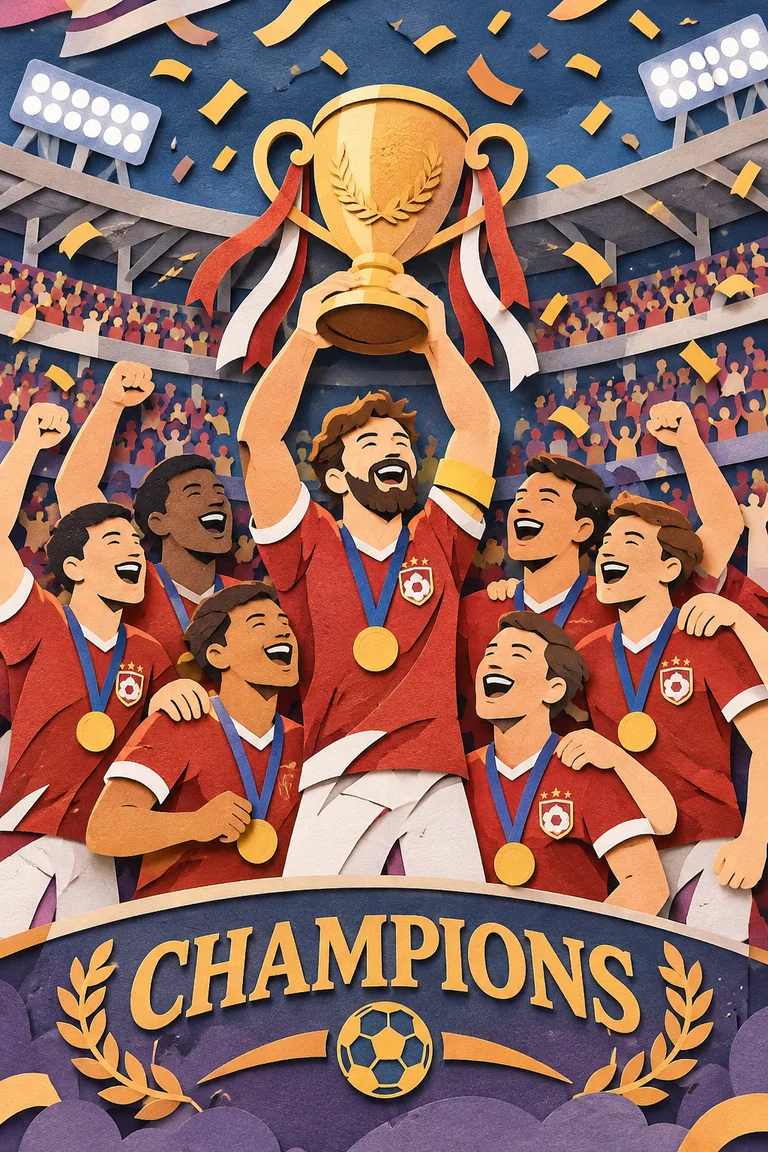
Choose Flare or Sunburst and describe the subject, setting, layout and lighting. Put any exact lettering in quotes. Start with one clear composition, then refine the details.
Switch to Image editing and upload up to 16 JPEG, PNG or WebP references, each up to 30 MB. Say which image supplies the subject and what should change. Describe the parts to preserve as clearly as the edit.
PNG, JPEG and WebP are available in 1K, 2K and 4K. Choose the Aspect ratio for your intended use and review the credit cost. Kuca does not currently provide SVG, GIF, complexity controls or markup-guided editing.
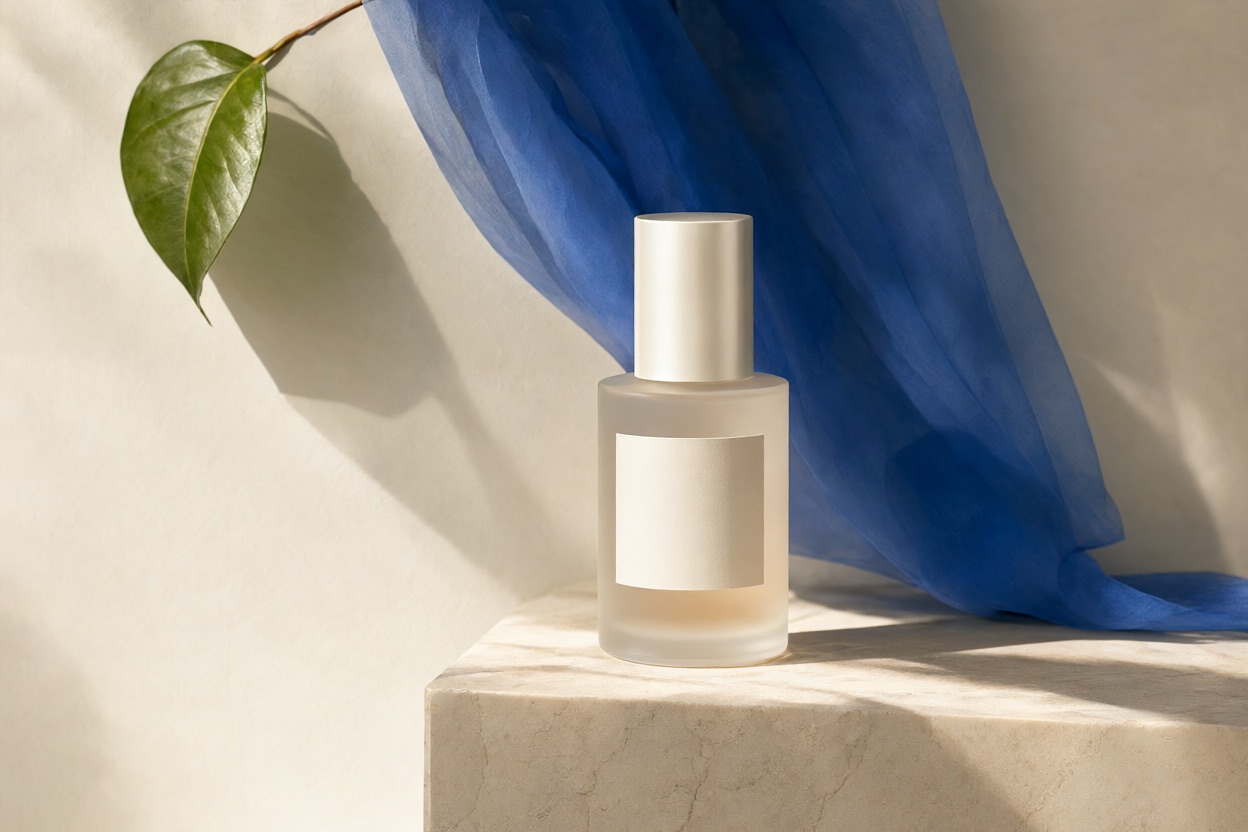
Use an original photograph when the shape, label and packaging matter. Ask for a change to the setting rather than a redesign of the object. A clean source with the whole product visible gives you something concrete to compare against. After generating, inspect the label at full size, the outline of the bottle and its contact with the surface. If the background works but the label has changed, narrow the next request to preservation rather than adding more atmosphere.
Keep the bottle, cap, label wording and proportions unchanged. Replace the background with warm ivory paper and add soft window light from the left. Keep a realistic shadow beneath the bottle. Do not add props or text.
Start with a clear silhouette, a short name and a restrained colour palette. Review the design at the size it will appear on a package, especially letter spacing and fine details. Download the result as a PNG, JPEG or WebP image; it is a raster design, not an editable SVG. If the wording is wrong, revise that instruction while keeping the rest of the brief steady.
Create a bakery logo as a PNG image with one loaf, two wheat stems and the words “Field & Flour”. Use dark brown and warm gold, with clear lettering for a small label.
For a social post, describe a single moment rather than an animation sequence. State the subject, camera angle and light, then leave space for any text you plan to add. Inspect the outline of the subject and the background before choosing your favourite result. This request produces a still image; Kuca does not currently turn it into a GIF.
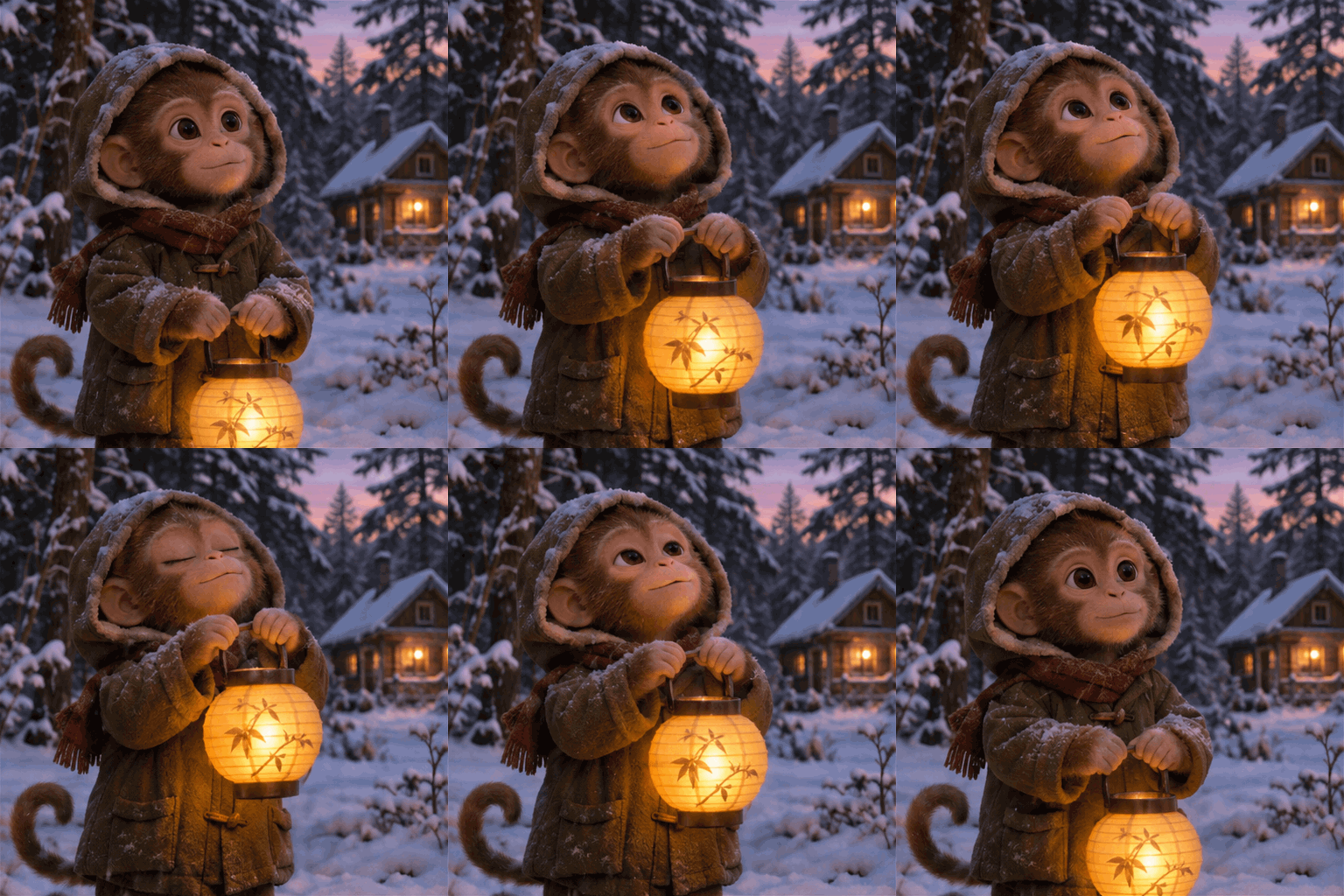
Create a still PNG image of a small hooded monkey holding a glowing lantern beside a snowy cabin. Use warm lantern light, a calm forest background and a portrait composition.
Kuca currently provides PNG, JPEG and WebP for generation and image editing. SVG and GIF are not available here. OpenAI’s separate service supports GIFs from both text and edits; that does not make GIF an option in this tool.
The rates match GPT Image 2.5: 5 credits at 1K, 8 at 2K and 13 at 4K, for Flare and Sunburst. Review the displayed cost before generating.
Yes. In Image editing, upload up to 16 JPEG, PNG or WebP images, each up to 30 MB. Refer to them by order and say what each one contributes.
Keep the prompt, reference images, Aspect ratio and resolution the same. Compare matching Flare or Sunburst variants and inspect lettering, composition and the details you wanted to preserve.