
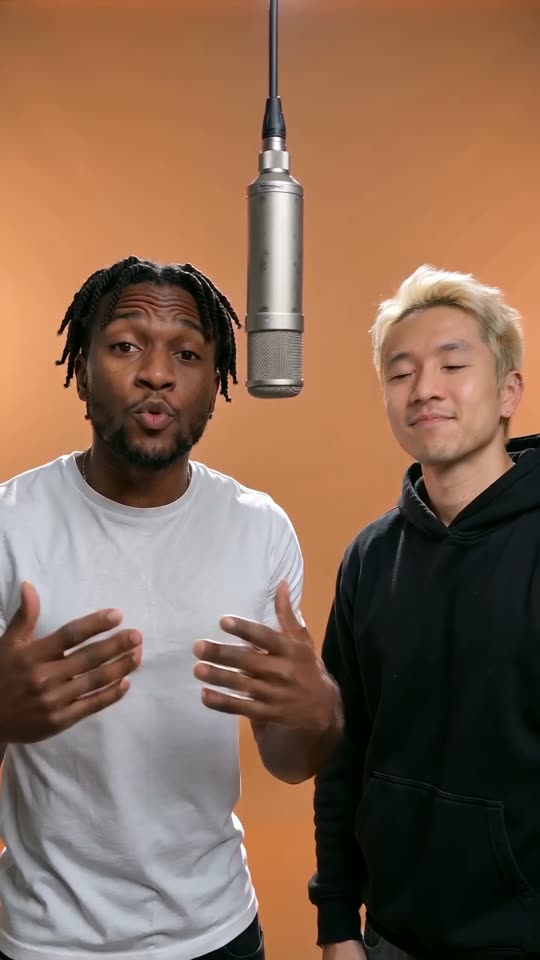
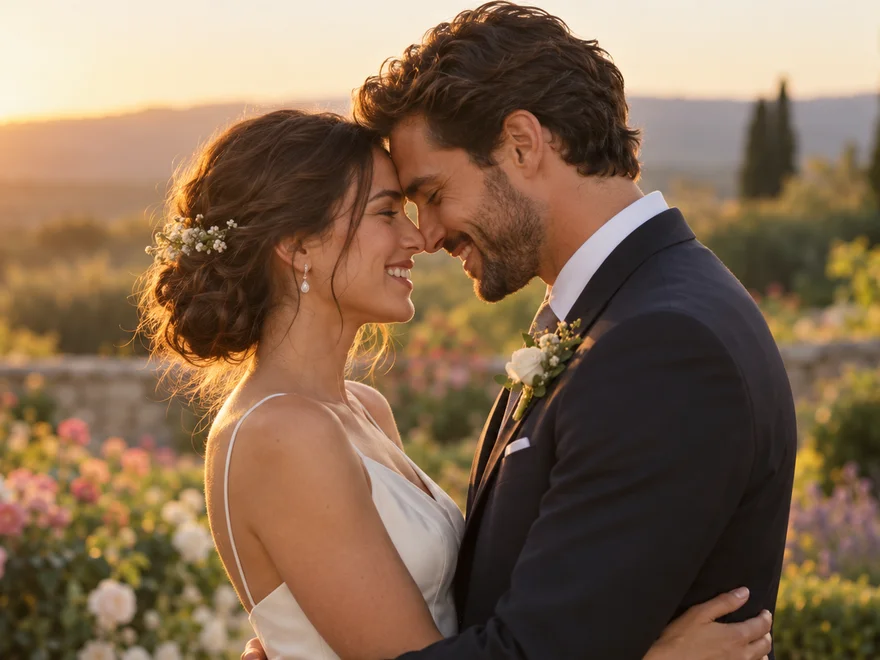
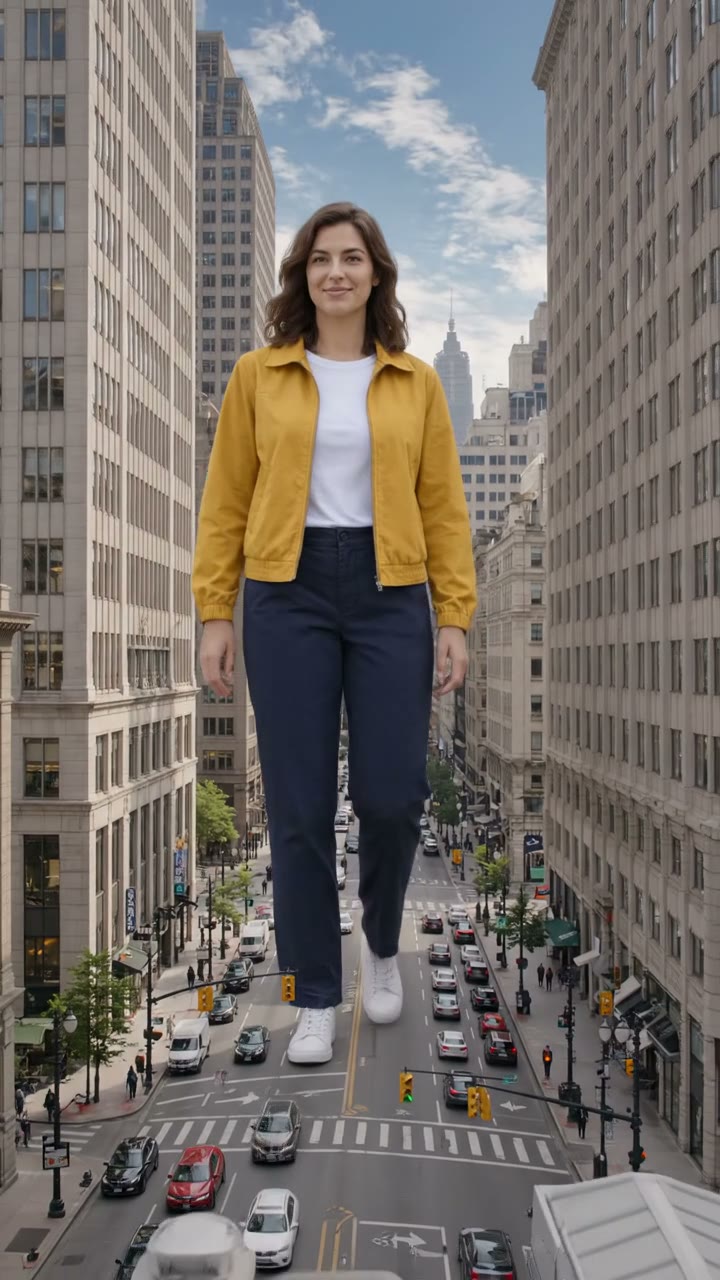
Show the face and body
A well-lit full-body photo gives the model a face, clothing and limb proportions to work with. Leave space around the feet and hands. A small face in a distant group shot provides less detail than one clearly separated person.
Kuca.aiKeep the prepared instructions, or edit how the subject replaces the dancer. The reference supplies the dance.
TikTok · @castinggastro
Try another video effect
Toc Toc Dance pairs one-foot hops and a knock-knock gesture with Patrick Sébastien’s French song Toc Toc. Upload one photo on Kuca to replace the solo dancer in the white-room reference shown beside the form. The video supplies the movement and soundtrack; your image supplies the person or pet. Choose a frame and length, then create a 720p MP4 for 100 credits.
The reference is already selected. You do not need to record yourself dancing or upload a song.
Upload a photo of one person, cat or dog. Keep the face and the full body visible where possible. Crop out other people or pets so the model has one identity to follow through the hopping sequence.
The prepared Prompt starts collapsed. Open Edit to inspect it, or use the suggested version unchanged. Its job is to replace the dancer, not to describe a different room, invent new choreography or add another performer.
Pick 9:16 for a vertical post or 16:9 for a wider edit. Ten seconds is selected initially; duration can be adjusted from four to fifteen whole seconds. Resolution stays at 720p, with a fixed 100-credit charge.
Sign in and check that your balance covers 100 credits before submitting. Watch progress in Generation history. When the MP4 is ready, review the subject, hops and soundtrack before downloading or sharing your version.
The sound associated with the trend is Toc Toc by Patrick Sébastien. The repeated knocking sound gives the dance a gesture viewers can recognize even before they know the song’s name. The reference combines that gesture with a deliberately straight face.
Kicékéla is a phonetic nickname connected with the French question qui c’est qui est là, meaning who is there. The invisible-door gesture makes sense alongside that call. You do not need to translate the lyrics to use your own photo in the template.
The prepared video supplies the order of the hops, raised knee, knocking hand and sideways movement. Rather than rebuilding the dance from prose, the generator receives the actual reference. The suggested instructions concentrate on replacing its performer without redesigning the sequence.
This page uses a solo take in a white room, not a line of friends in a corridor. One uploaded subject takes that solo role. A group photo does not allocate different faces to different dancers, so begin with a crop containing only the intended subject.
A well-lit full-body photo gives the model a face, clothing and limb proportions to work with. Leave space around the feet and hands. A small face in a distant group shot provides less detail than one clearly separated person.
You do not have to lift a knee or knock in the photo. The image supplies appearance while the reference supplies motion. Choose a neutral standing pose when available, without asking for a new outfit or background in the first attempt.
For a pet version, use a clear picture from ears to paws. The prepared instructions keep fur markings and animal proportions, adapting the gestures to paws rather than adding human hands. Check the finished legs, balance and face during every hop.
Keep other faces, reflections and animals out of the upload. Busy silhouettes can make it unclear which subject should replace the dancer. Crop before uploading rather than adding several long instructions about who must be ignored.
The first clip is the generator’s fixed reference. The other two show the same hopping and knocking gestures in different performances; each video links to its TikTok post.
One dancer performs the hopping and knocking sequence in a white room, with a door on one side and drawers on the other. The camera stays still and shows the whole figure. The clip by @castinggastro is the reference used for this template. Your upload replaces the performer while the reference guides the dance, room and sound.
Generate videoCostumed dancers take turns moving into the foreground of a living room. Watch the raised knee, knocking fist and sideways hops as the next performer steps forward. The relay gives the repeated moves a different rhythm from the solo reference.
Generate videoThree costumed dancers perform the hopping and knocking routine in a busy city square. The foreground performer changes while the group keeps moving behind. Compare the open outdoor setting and group spacing with the fixed indoor solo used by the generator.
Generate videoThe 9:16 option suits a phone-screen post. Keep enough room to see the raised knee and the knocking hand at the same time. A close facial crop may hide the very gesture that makes this dance recognizable.
Choose 16:9 when the video belongs in a horizontal edit. The requested output frame changes, but the reference remains the same solo performance. Review the whole body after generation, especially the feet near the bottom edge and the hands spread to the sides.
The fixed reference lasts ten seconds, and ten seconds is the initial output choice. You can request four to fifteen whole seconds. Shorter outputs use less of the sequence; asking for longer does not provide extra original reference footage or song.
Every available duration and both aspect ratios cost 100 credits. The output is a 720p MP4, with no resolution or model menu to configure. Set the frame and duration for your intended use rather than trying to calculate a different price.
The submitted input contains your photo, the fixed video and the Prompt. The instructions ask to retain the reference’s music, vocals, rhythm and timing instead of composing a replacement song. You do not upload an audio file separately.
Kuca does not add a different recording after this template is generated. The audio comes through the video-generation workflow. Listen to the completed MP4 rather than assuming that a familiar thumbnail means the soundtrack and the movement are already in sync.
Compare the raised hand and the repeated knocking gesture with the audio. Follow the transition into sideways hops as well as the opening pose. Keep useful takes before changing instructions so you can compare what actually improved.
If you add a platform music track after downloading, avoid playing two recordings at once. Keep the MP4’s audio or mute it before adding another track. Availability of a recording on a social platform does not grant rights for every other use.
Watching the reference, choosing a photo and editing the Prompt do not start a paid generation. Submitting a request costs 100 credits. A confirmed failed task returns its charged credits; generating another version of a completed video is a separate request.
Free accounts generate publicly and download with a Kuca watermark. Accounts with paid access can choose Private before submission and download without Kuca’s added watermark. Private visibility does not password-protect a direct media link, so avoid sharing that link when access matters.
Watch the entire video, including turns and momentary overlaps between limbs. The subject should remain distinct, with recognizable facial features or fur markings. Check for duplicate figures and unfamiliar hands or feet rather than judging the opening frame alone.
Use the same account to return to this page, check progress and download a completed MP4. Reusing a task restores its photo and settings; it does not submit another generation automatically. Save a useful version before testing a different portrait or Prompt.
It is a short dance set to Patrick Sébastien’s French song Toc Toc, released in 2015. The choreography by Nooah Prvv went viral on TikTok in late September 2026. The recognizable gestures include hopping on one foot, lifting a knee and miming a knock on an invisible door. This page makes a photo-based version using the solo reference shown beside the form.
Upload one clear photo, keep the prepared Prompt and choose duration and aspect ratio. Sign in, check the fixed 100-credit charge and generate. The image supplies the subject’s appearance; the selected video supplies the choreography. Follow the task in Generation history and download the completed MP4.
You can inspect the reference and prepare the form without a generation charge. Each submitted request costs 100 credits, regardless of the available frame or duration choice. Your balance must cover that amount. If generation fails, your 100 credits are automatically refunded.
Yes, you can use a pet photo. The Prompt adapts the dance moves for animals. Upload one pet with a clear face, visible paws and recognizable fur markings. The instructions adapt the gestures to the pet’s own body rather than putting its head on a human dancer. Review the anatomy and balance of the generated result.
The reference carries Toc Toc by French entertainer Patrick Sébastien. The song is in French. Kicékéla is a phonetic nickname for the chorus’s who-is-there question. The Prompt asks to keep the reference audio with the dance.
No. The fixed reference already has sound, and the generation request includes that video. The Prompt asks the model to retain its recording and timing. Kuca does not mix a replacement track afterward. Listen to the generated MP4 before sharing it.
Your photo is uploaded and sent to the video provider to create the result. Free accounts generate publicly; paid access enables the Private setting before submission. Anyone holding a direct photo or video URL can still open that file, so do not share source or output links you want to restrict.
Free-account downloads include a Kuca watermark. Paid accounts can download videos without the Kuca watermark. Text, logos or marks already embedded in source or generated footage are not automatically removed by this option.
The output is a 720p MP4. Ten seconds is selected initially, with whole-second choices from four to fifteen. Aspect-ratio cards offer 9:16 and 16:9. The ten-second source remains fixed, so a longer output does not create more original music or source footage.
Start with one subject. This version has one image input and one solo reference, not separate roles for a group. The prepared Prompt keeps the reference room and camera. Asking for a different location can conflict with motion matching, so first try the suggested instructions.
Only use photos and other material you have permission to use. Generating or downloading a video does not grant music, likeness or performance rights. Check the recording’s permissions and the destination platform’s terms before publishing, advertising or selling a video that contains the reference sound.