
Kuca.ai
Loading
Outstanding Tiny Desk AI
01Lead singer
Lead singer0/1
Add bandmates (optional)
02Keyboard player · optional
Keyboard player · optional0/1
03Backing singer · viewer left · optional
Backing singer · viewer left · optional0/1
04Backing singer · viewer right · optional
Backing singer · viewer right · optional0/1
05Saxophone player · optional
Saxophone player · optional0/1
Aspect ratio
15s
100Credits
Remaining credits:
Public

Outstanding Tiny Desk AI

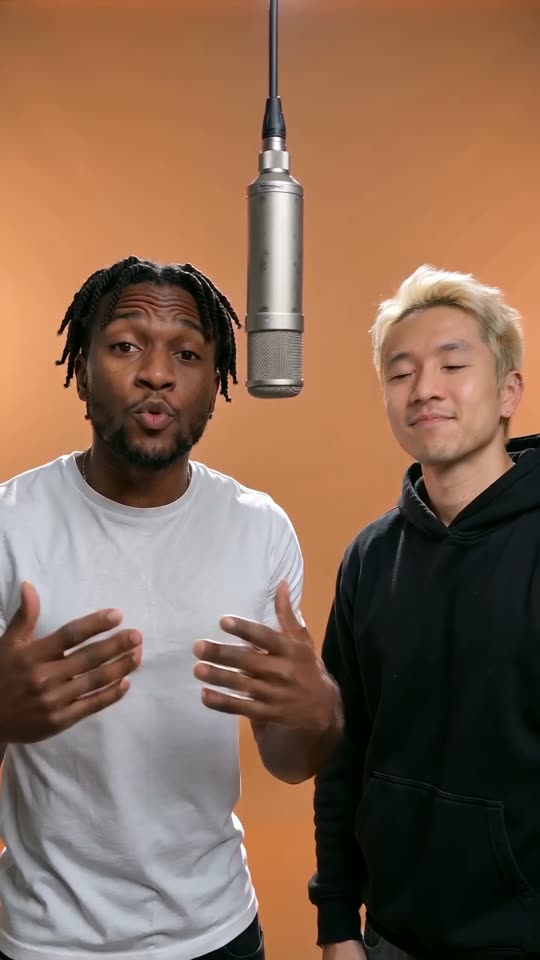
Outstanding Tiny Desk AI puts new faces into a short band performance of The Gap Band’s Outstanding. Upload one photo on Kuca to replace only the lead singer in the coach remix shown beside the form, or add friends on keyboard, backing vocals and saxophone. The prepared video guides the performance and sound; your photos supply the cast. Each 720p video costs 100 credits.

Make an Outstanding Tiny Desk AI video from your photos

The coach remix and prepared instructions are ready. You do not need to find the clip, record yourself singing or upload a separate song.

  1. 1

    Choose your lead singer

    Upload one clear portrait in the Lead singer slot. A well-lit face looking toward the camera gives the model useful identity details. With no other photos added, this person takes the lead while the keyboard player, backing singers and saxophone player remain from the reference.

  2. 2

    Add friends to specific roles

    For a group version, add separate portraits to any of the four optional slots. Choose the keyboard player, either backing singer or the saxophone player by role, not by the order in which you happen to upload. Leave a slot empty to keep that reference performer unchanged.

  3. 3

    Set the frame and duration

    Start with the selected fifteen-second, 9:16 output for a phone-screen post. You can choose four to fifteen whole seconds or switch to 16:9. Wan 3.0 receives the reference video and your images together. Resolution stays at 720p and every available setting costs 100 credits.

  4. 4

    Generate and review your band

    Sign in, check your credit balance and visibility, then submit. Follow progress in Generation history. When the MP4 is ready, play the full video with sound and check each assigned face before downloading. A new attempt after a completed generation is a separate 100-credit request.

Where the Outstanding Tiny Desk meme comes from

The song behind the clip

Outstanding is a 1982 song by The Gap Band, whose lead vocalist was Charlie Wilson. Wilson performed the song in his 2023 NPR Tiny Desk Concert. That live performance, rather than an unrelated office-band scene, is the musical and visual starting point for the AI remixes.

The coaches became the cast

Creator Jake Whipple, posting as @theburnerfromhe11, recast college-football coaches in the performance. An October 22, 2026 Sport & State interview documents his process and links his original post. The joke pairs an exuberant musical performance with coaches whose teams had just lost, making the casting as important as the song.

The reference on this page

Kuca uses a short excerpt of that coach remix as the fixed generation reference. It is not the unedited Charlie Wilson concert. Your uploaded lead replaces the lead already visible in the remix, and any additional portraits replace their assigned bandmates. Watch the preview to understand the exact performance you are working with.

Keep the performance, change the people

An Outstanding Tiny Desk AI template works best when the familiar timing and band interaction remain recognizable. The prepared instructions focus on the uploaded identities rather than inventing another stage, camera sequence or routine. Start with those instructions before experimenting with changes that could compete with the reference.

One lead photo or a five-person band

01

One photo changes only the lead

The simplest version needs one portrait. The person in that image takes the lead vocal role, not every face in the band. This is a useful starting point for a birthday message or a group-chat joke centered on one friend. You do not need four extra photos just to make your first version.

02

Keyboard, two backing singers and sax

The optional cast has four distinct jobs: a keyboard player, two backing singers and a saxophone player. The keyboard role is separate from the backing-vocal pair. Use the labeled slots to assign friends, and compare them with the reference instead of treating everyone behind the lead as an interchangeable singer.

03

Fill only the roles you want

You can add a saxophone player without adding a keyboard portrait or filling both backing slots. Empty roles keep the corresponding performers from the coach reference. The backing labels use the viewer’s left and right, not the performers’ own left and right. Check those labels before submitting a group version.

04

Give each face enough detail

Use a separate, sharp photo for each chosen person. Visible eyes, natural skin detail and even lighting are more useful than heavy filters or a tiny face in a crowd. Crop away other people and reflections. You do not need to hold an instrument or sing in the portrait; the video supplies that performance.

Watch two Outstanding band remixes

The college-football clip is the fixed reference used by the generator. The Dallas Cowboys version shows the same performance with a different cast. Source credits appear beneath each video.

TikTok · @theburnerfromhe11

The college-football coach reference

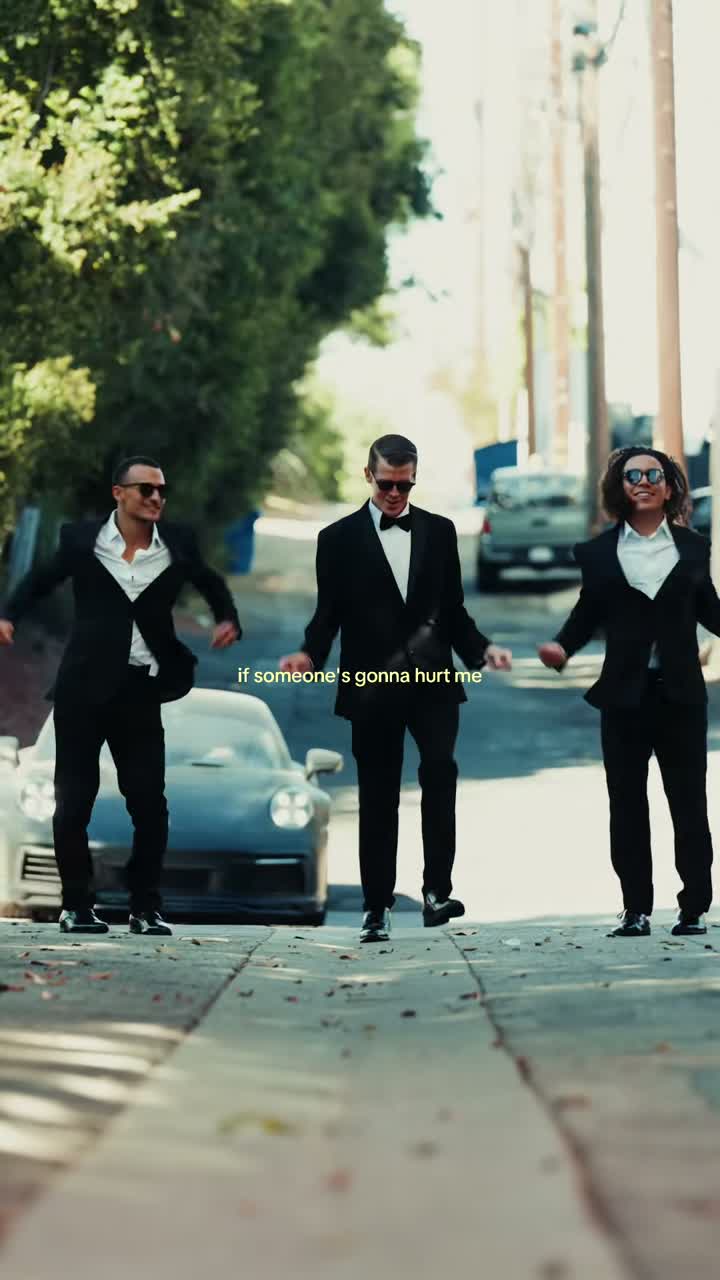
Jake Whipple’s @theburnerfromhe11 remix puts college-football coaches into the Outstanding performance. This excerpt is the reference used for generation. Follow the lead singer, keyboard player, two backing singers and saxophone player to see which role each upload slot controls. One uploaded portrait replaces only the lead; optional portraits let you recast the other parts.

Generate video
TikTok · @dr.swiftyswift

The Dallas Cowboys version

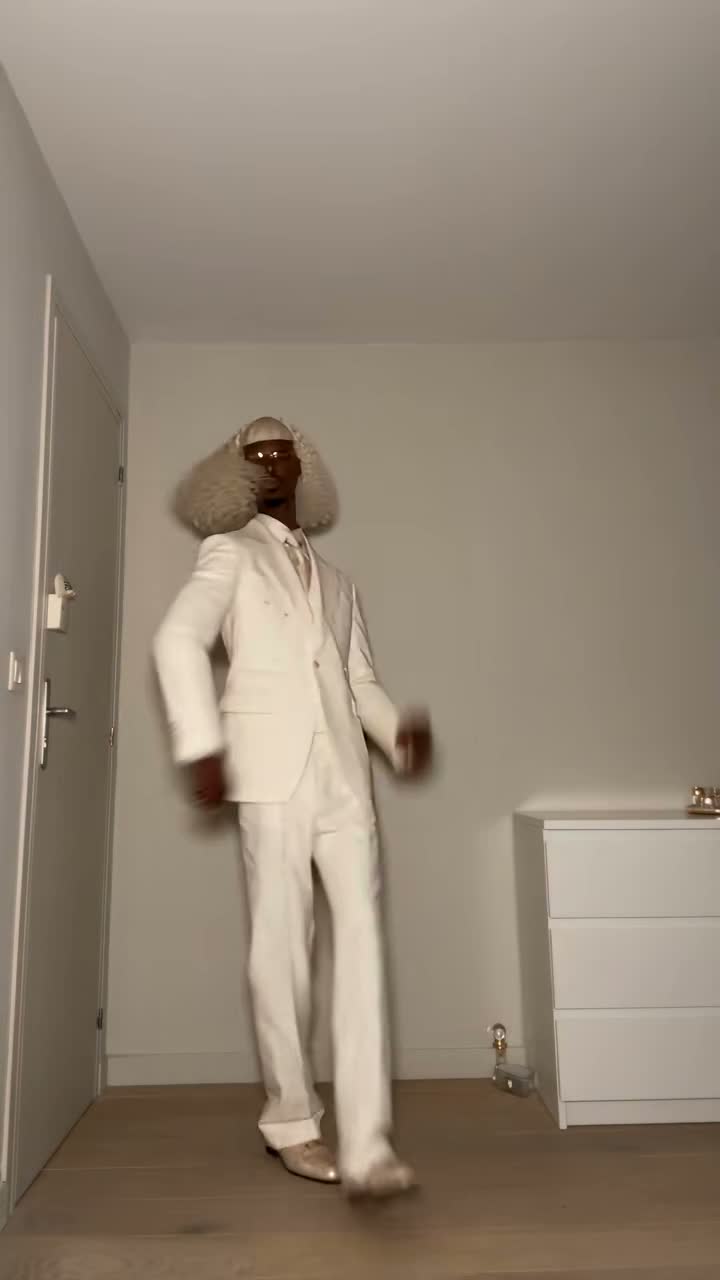
This Cowboys-themed remix shared by @dr.swiftyswift gives the Outstanding performance a different cast, with a suited lead, a keyboard player and the familiar saxophone moment. Watch how the faces and expressions change the joke while the band’s timing stays recognizable. Compare this group with the college-football cast in the generation reference.

Generate video

Choose a format for your Outstanding Tiny Desk AI video

9:16 for the vertical remix

The vertical frame is selected initially and suits a phone-screen post. Review more than the lead’s face: the optional cast includes people behind the lead and a saxophone part that draws attention elsewhere in the shot. A useful result keeps the identities readable through the whole performance, including overlaps and changes of focus.

16:9 for a wider edit

Choose the horizontal option when you want to place the clip in a wider video. Changing the requested frame does not change the selected performance into a different concert take. Check the resulting composition and instrument visibility before deciding whether the wider version suits your edit better than the vertical default.

Four to fifteen seconds

Fifteen seconds is the initial output choice; the duration control offers whole seconds from four to fifteen. The prepared source is a short excerpt, not the entire concert. Requesting a longer output cannot supply additional original performance footage, while a very short output may leave out the musical moment you wanted to share.

720p at a fixed credit price

The template generates a 720p MP4 through Wan 3.0. Every offered duration and both aspect ratios cost 100 credits, whether you upload one portrait or fill all five roles. Choose your settings for the performance you want rather than expecting a shorter clip or fewer photos to reduce the charge.

Keep the reference sound with the band

01

Video and photos work together

The generation request includes the fixed coach remix, your uploaded portraits and the prepared Prompt. The video supplies the performance and its soundtrack; the images identify who should appear in the selected roles. This is not a request to compose a new song or create a different concert from a written scene description.

02

No separate music upload

The reference already carries audio, and the instructions ask to preserve its music, vocals and timing. You do not need to locate another recording of Outstanding or upload a song file. Kuca does not add a replacement soundtrack after generation, so listen to the completed MP4 rather than judging it from a silent preview.

03

Check the vocal and instrumental moments

Play the whole take and compare the lead’s mouth movements with the vocals. Follow the keyboard player and backing singers as well as the saxophone part. A recognizable first frame is not enough if faces drift during an expression, people overlap or the generated audio loses the timing of the performance.

04

Share the joke clearly

A short caption can explain why you chose this cast without covering their faces or instruments. If you add a platform music track later, avoid playing it over a second copy already in the MP4. Use photos with permission, identify the result as an AI remix where needed, and check music permissions for your intended use.

Understand the cost and visibility before generating

  • 100 credits for each submitted version

    You can watch the examples, arrange your portraits and edit the Prompt without starting a paid generation. Submitting costs 100 credits, and your balance must cover that amount. A task confirmed as failed returns its charged credits. A finished video you choose to remake is a new generation, not an automatic refund.

  • Public on free accounts, private with paid access

    Free accounts generate publicly and download with a Kuca watermark. Paid access lets you choose Private before submission and download without Kuca’s added watermark. Private visibility does not restrict access to someone who already has a direct media URL. Do not share photo or output links you want to keep to yourself.

Review your cast before posting the finished clip

  • Follow each assigned person

    Check the lead throughout the clip, then inspect every optional role you filled. Faces should remain distinct instead of blending into a neighbor or appearing in two places. Look at mouths, hands and instruments during movement. When a face is difficult to recognize, try a clearer portrait before adding a long set of competing instructions.

  • Keep useful takes in Generation history

    Return with the same account to check task progress and download a finished MP4. Reuse parameters restores the photos and settings for another draft; it does not submit a new request by itself. Save a take you like before testing a different lead, filling another role or changing the frame.

Outstanding Tiny Desk AI questions, answered

It is an AI remix that puts new faces into a band performance of The Gap Band’s Outstanding, drawing on Charlie Wilson’s 2023 NPR Tiny Desk Concert. Jake Whipple’s college-football coach remix brought the format to sports audiences in October 2026. Kuca uses the coach excerpt shown beside the form and lets you replace the lead or assign up to five portraits to specific band roles.


Add one portrait in Lead singer, optionally fill other role slots, and keep the prepared Prompt. Choose duration and aspect ratio, check visibility and the 100-credit charge, then generate. The reference is already selected. Follow progress in Generation history, play the completed take with sound and download the MP4.


Yes. One photo replaces only the lead singer. The keyboard player, two backing singers and saxophone player stay as they appear in the coach reference unless you add portraits to their slots. You do not need a group photo or five uploads to begin.


You can use up to five separate portraits: lead singer, keyboard player, backing singer on the viewer’s left, backing singer on the viewer’s right and saxophone player. Only the lead is required. Fill any optional role you want to change and leave the others empty. Use photos of people who have agreed to appear.


No, generation is not free: each video costs 100 credits. Watching the examples and preparing your cast do not cost generation credits. Your balance must cover the 100-credit charge before submitting. The price stays the same for one to five portraits, either aspect ratio and every available duration.


A generation task confirmed as failed returns its charged 100 credits. Check Generation history for the task status before submitting again. A request that is still processing is not yet a confirmed failure, and choosing to generate another version of a completed video costs another 100 credits.


Your photos are uploaded and sent to the video provider to make the result. Free accounts generate publicly; paid access lets you select Private before submitting. Anyone with a direct photo or video URL can still open that file, so avoid sharing those links if you want to limit access.


Free-account downloads include a Kuca watermark. Paid accounts can download without Kuca’s added watermark. This does not remove text, logos or marks already present in the reference or generated footage, including original social-post overlays.


The song is Outstanding by The Gap Band, released in 1982. The performance behind the remix is Charlie Wilson’s 2023 Tiny Desk Concert, published by NPR Music. The prepared Prompt asks to keep the selected coach reference’s soundtrack and timing; you do not upload a separate song.


The output is a 720p MP4, with fifteen seconds and 9:16 selected initially. Choose four to fifteen whole seconds or switch to 16:9. The source remains a fixed short excerpt, so these settings do not give access to the rest of the original concert.


No. Kuca supplies the coach-remix reference and prepared instructions. Upload your portraits and choose the output settings. You can open Edit to inspect or adjust the Prompt, but you do not need to write a scene, record a performance or mix music in another app before generating.


No. Kuca is an independent AI tool, not an official NPR or artist service. The reference shown here is a creator’s coach remix, and your result is another AI-personalized version. Generating a clip does not grant rights to the underlying music, performance or anyone’s likeness.