
Kuca.ai
Loading
Uptown Funk
01Lead dancer photo
Lead dancer photo0/1
Aspect ratio
Duration15s
100Credits
Remaining credits:
Public

Uptown Funk: your photo at the front of the street crew

The Uptown Funk AI video trend recasts a retro street-dance performance, putting a new face at the front of the crew. It takes its name from Mark Ronson’s “Uptown Funk,” featuring Bruno Mars. Upload one portrait or pet photo above: Kuca replaces the lead in the selected performance and adds the same music segment heard in the reference.

How to make an Uptown Funk AI dance video

One photo casts the lead; the street routine and its music are already prepared.

  1. 1

    Pick a face for the lead role

    Upload one person or pet with a clear face. A portrait is enough; the photo does not need a street background or a dance pose. Choose a subject you have permission to use and wait for the upload to finish.

  2. 2

    Give the lead your appearance

    Your photo sets the central lead’s appearance throughout the dance. Follow the same person through close-ups, turns and group formations when reviewing the result. The supporting dancers keep their existing identities; one uploaded portrait does not replace every face in the crew.

  3. 3

    Keep the frame suited to the dance

    The landscape frame follows the reference and leaves room for the crew. Vertical is also available. Check the price and choose Public or Private before submitting; visibility options depend on your account access. The clip length is fixed for this template.

  4. 4

    Generate, listen and download

    Sign in to generate, then follow progress in Generation history. Watch the whole clip with sound, including turns and wide shots. Download the MP4 you like, ready to send to a friend or use in your next post.

A familiar street performance with a new lead

The lead sets the rhythm

The central dancer gives viewers a face to follow as the group moves together. The joke can come from seeing yourself, a friend or a pet carry that confidence. You do not need to describe a different setting to make the performance personal. Follow the lead through the whole routine.

The crew makes the scene feel like an MV

Supporting dancers give the lead a rhythm and a formation to play against. This version changes the central performer and keeps the surrounding cast. It does not use your portrait as every face in the group, or ask you to upload an entire cast of friends.

Close-ups and wide shots tell the same story

The reference alternates facial performance with full-body dance moments. Compare the eyes, hair or fur in both kinds of shot. A successful-looking opening still needs to carry the same identity through a profile, a turn and the next view of the whole crew.

Choose a lead your audience will recognize

A familiar face can make the routine personal without changing the whole scene. Try a friend’s recognizable hairstyle or a pet’s distinctive markings, with permission to use the photo. The source clips show different interpretations of the street performance. Compare how each central character stands out while the group keeps the dance moving.

Choose a photo that stays recognizable while moving

01

Clear eyes and hair help the close-ups

Use a sharp face with even light and some space around the head. A phone hiding the mouth, very dark sunglasses or heavy smoothing can remove useful details. Start with the clearest version of the person rather than the most elaborate background or camera effect.

02

Crop a group picture to one subject

If the photo includes several people, crop to the intended lead before uploading. Keep the hair and chin inside the crop. This form accepts one reference image for one lead, so it should not need to guess which person from a group you wanted at the front.

03

A pet brings a different kind of swagger

A cat or dog can take the lead using its own face, fur markings and paws. The prompt adapts the movement to the animal instead of asking for human hands. Check the body, balance and limbs in the returned clip as carefully as the familiar face.

04

Upload from the phone without moving files around

JPG, PNG and WebP images are accepted up to 20 MB; supported HEIC and HEIF photos are converted during upload. If the picture is on your phone, use Upload from phone. Check the completed thumbnail before sending the generation so the intended subject is actually selected.

Different leads, the same street groove

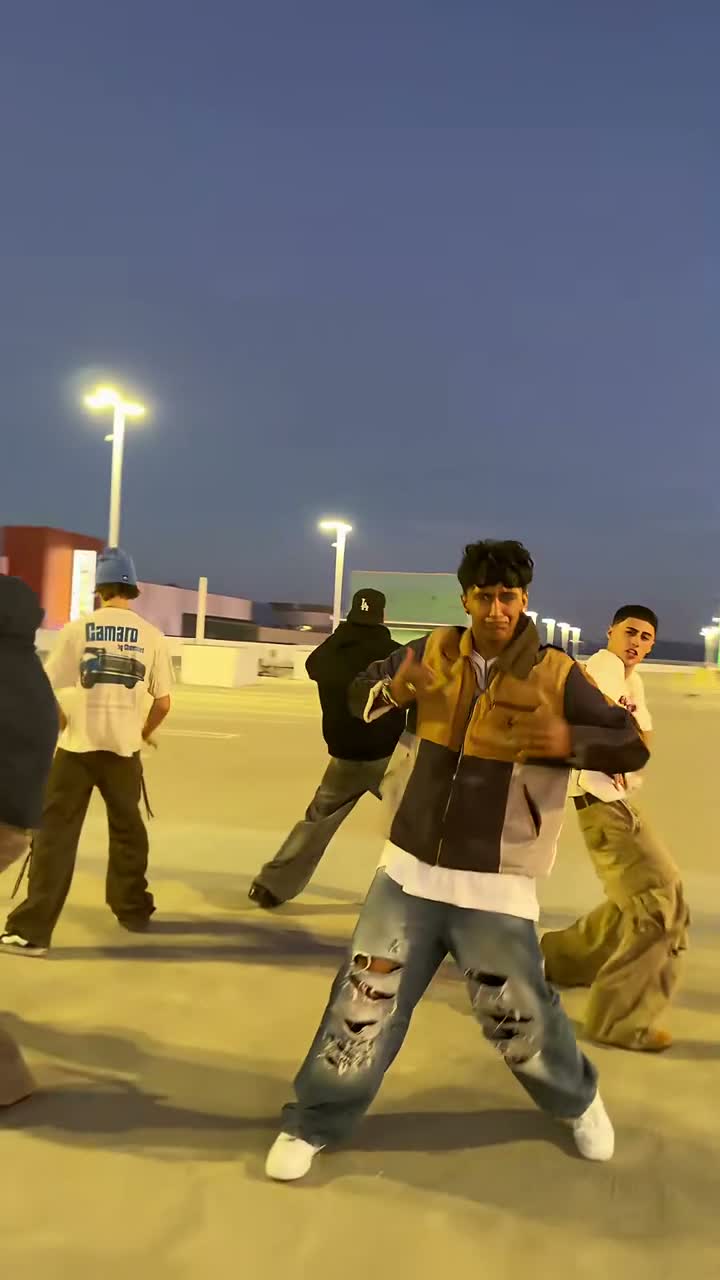
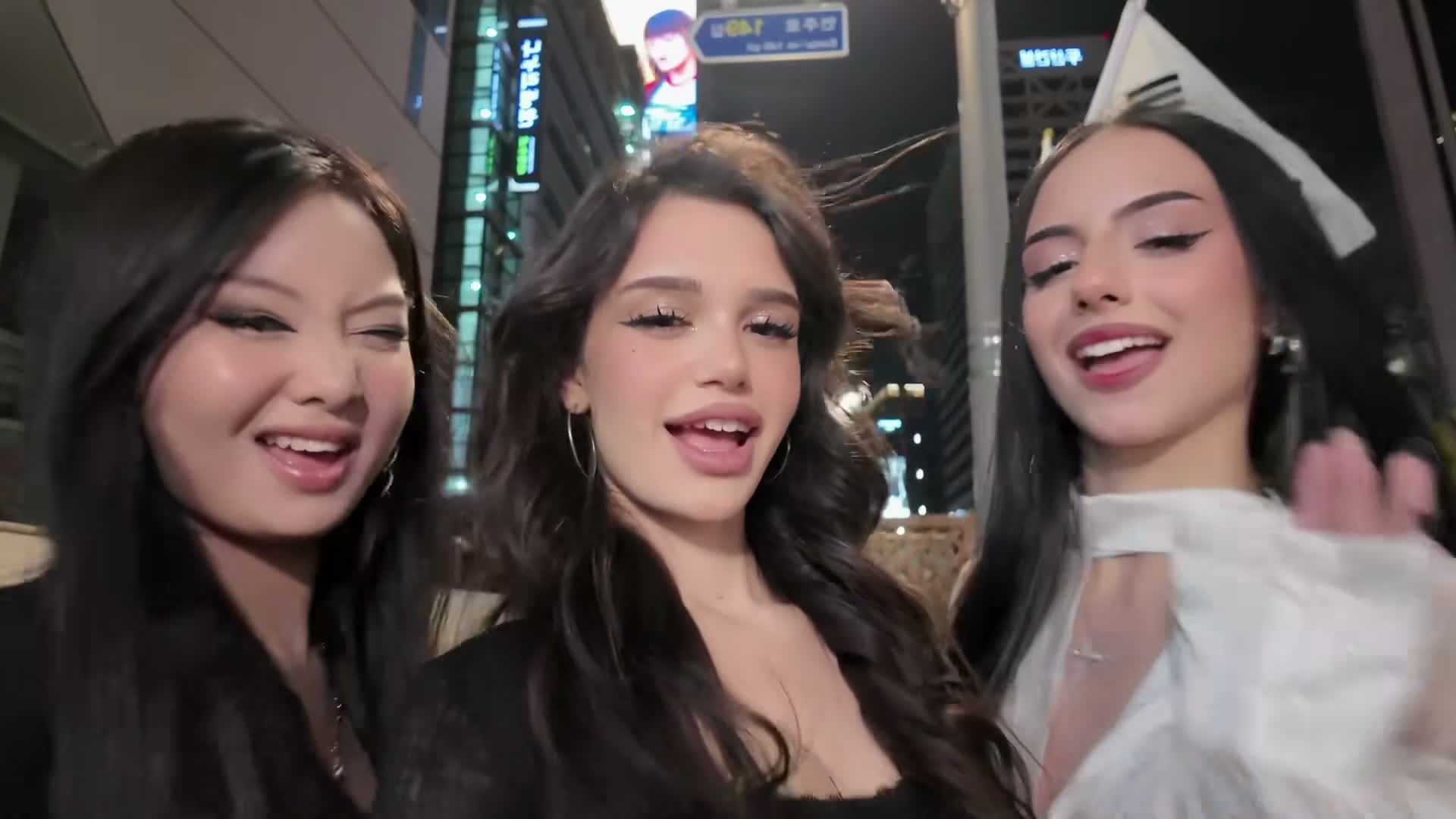
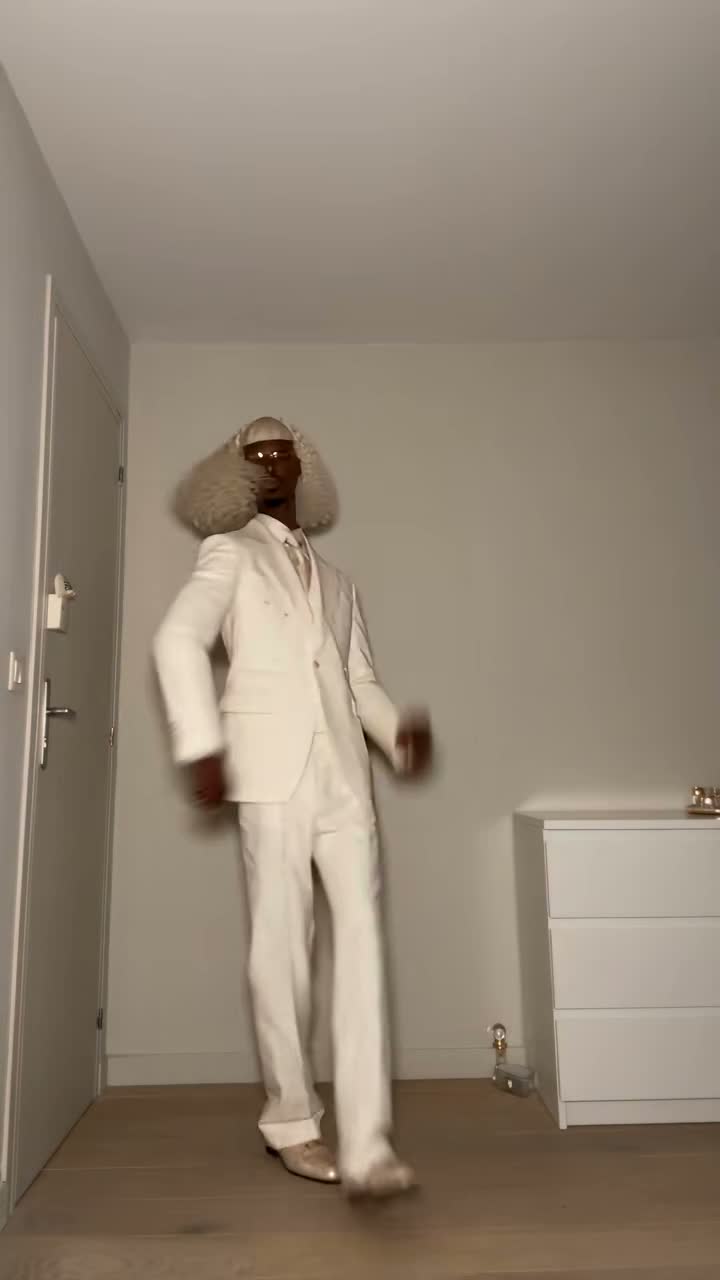
Watch the original Uptown Funk MV alongside two videos with different faces in the street dance.

TikTok · @my0579

Zhao Benshan and the crew

Zhao Benshan and other familiar faces take part in the street performance, with Chinese and English lyric subtitles. It changes several characters; this tool replaces only the lead.

Generate video
TikTok · @zhangyaoxin66666

A puffer jacket at center stage

A lead in a black puffer jacket performs with the backing dancers. The wider shots and close-ups show another take on the same Uptown Funk street routine.

Generate video

Give the whole crew room in the frame

Landscape follows the selected reference

16:9 is the default because the original composition spreads the dancers across the street. It keeps supporting movement visible beside the lead. Watch both sides of a wide shot when assessing the result, rather than looking only at the center of the first frame.

Vertical is another framing choice

Choose 9:16 when the post needs a phone-shaped frame. The model must reframe the performance, so compare the crew spacing and the lead’s feet in the result. A vertical version is a new generation, not a crop preview of the already completed landscape file.

A complete short performance

This page generates a 15-second video at 720p. The fixed length gives the dance and the prepared audio one shared window. Processing time is separate from the length of the clip. You do not need to divide the result into parts or assemble two generations afterward.

Keep captions away from the footwork

The generated picture is requested without added captions or logos. If you add a caption later, leave the hands and feet visible during the wider dance moments. Try viewing the file at phone size before publishing so a large text box does not hide the move you wanted to share.

Music belongs to the same performance

01

The source is a song, not a new AI cover

“Uptown Funk” is the Mark Ronson recording featuring Bruno Mars. This tool makes a dance video, rather than generating a new singer or rewriting the lyrics. The source clip defines the music segment for this template, and you can listen to it before choosing your photo.

02

The soundtrack is attached after generation

Kuca adds the selected reference audio to the finished picture. The model is asked for the dance rather than a replacement soundtrack. The final MP4 therefore includes the prepared segment; you do not need to find another audio file just to hear the reference music with the download.

03

The picture keeps its original playback speed

The final step copies the generated video and starts the reference audio from the beginning of the chosen segment. It does not speed up or slow down the picture to squeeze it into the song. The model still creates the movements, so review the actual footwork and timing before sharing.

04

Listen before adding another track

A downloaded MP4 already contains audio. If your publishing app adds music on top, lower or mute one track to avoid hearing two versions together. Check the platform’s music options and your intended use before posting. This page does not claim that a soundtrack automatically clears every commercial use.

Price, failed tasks and visibility

  • Each generation costs 100 credits

    Watching the examples and preparing a photo does not spend generation credits. Submitting a video costs 100 credits. A task marked failed returns its charged credits; asking for another version of a completed result is a new generation with another charge, even if you change just the portrait.

  • Decide whether the result is public

    Free accounts generate with Public. Paid access enables Private and downloading without Kuca’s added watermark. Choose before submission and upload photos you are allowed to use. Private controls publication on Kuca; send the downloaded file and its direct links only to the audience you intend.

Check the lead from the first beat to the last

  • Follow the face through the turns

    Look for the same lead in the opening, the side view and the final wide shot. Also check that the backing dancers keep their own faces. For a pet version, watch the paws and fur during fast moves. The detail viewer lets you inspect the whole performance before downloading.

  • Make the next attempt easy to compare

    In Generation history, Reuse parameters brings back the photo, prompt and framing. Change one detail for the next attempt and keep a downloaded copy of a result you like. A clear comparison helps you decide whether a different photo or prompt gave the lead a better performance.

Uptown Funk video: photos, music and downloads

No. This form uses one photo for the central lead. The other performers keep their reference identities. Crop a group photo to the one person you want to lead before uploading.


Yes, you can try a clear pet photo. The prompt preserves its natural face, fur markings and paws while adapting the reference dance. Review the body and limb movement in the returned video.


Yes. Kuca adds the prepared Uptown Funk music segment after generating the picture. The downloaded MP4 already has sound. The videos shown on this page introduce the dance; they do not let you choose a different soundtrack.


Every generation costs 100 credits. If the task fails, the charged credits are returned. A completed video that you choose to regenerate uses another 100 credits.


Yes. You can edit the prepared prompt, but keep the lead assignment and the reference performance clear if you want this same routine. The audio stays the selected template segment even when you edit the text.


Paid access enables Private and downloads without Kuca’s added watermark. Free accounts use Public. Select visibility before generating and take care with the file and links you share afterward.


Open Generation history. Reuse parameters loads the existing photo and settings for another attempt. Download a completed result you like before trying another version.


Check Kuca’s current terms and the rights to your photo and the song before commercial use. Including music in a download does not itself grant clearance for advertising or every publishing platform.