
Kuca.ai
Loading
Christmas Dance AI
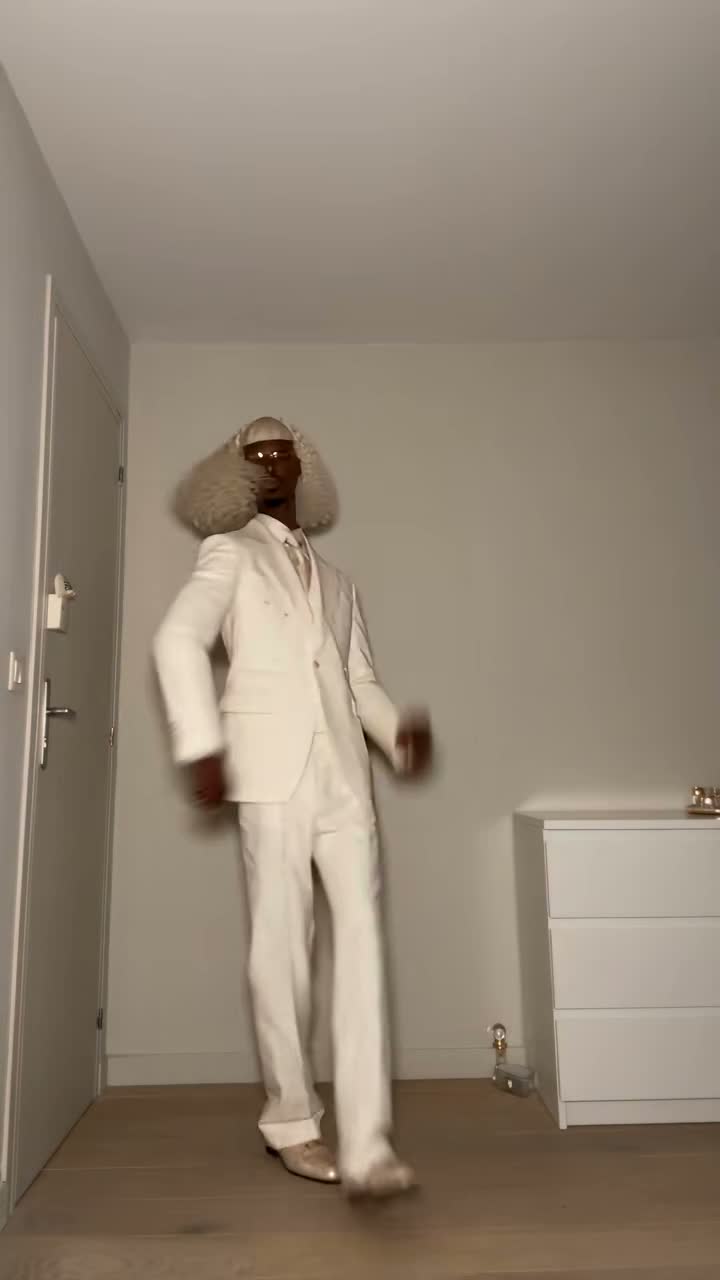
01Photo 1 · starts on the left
Photo 1 · starts on the left0/1
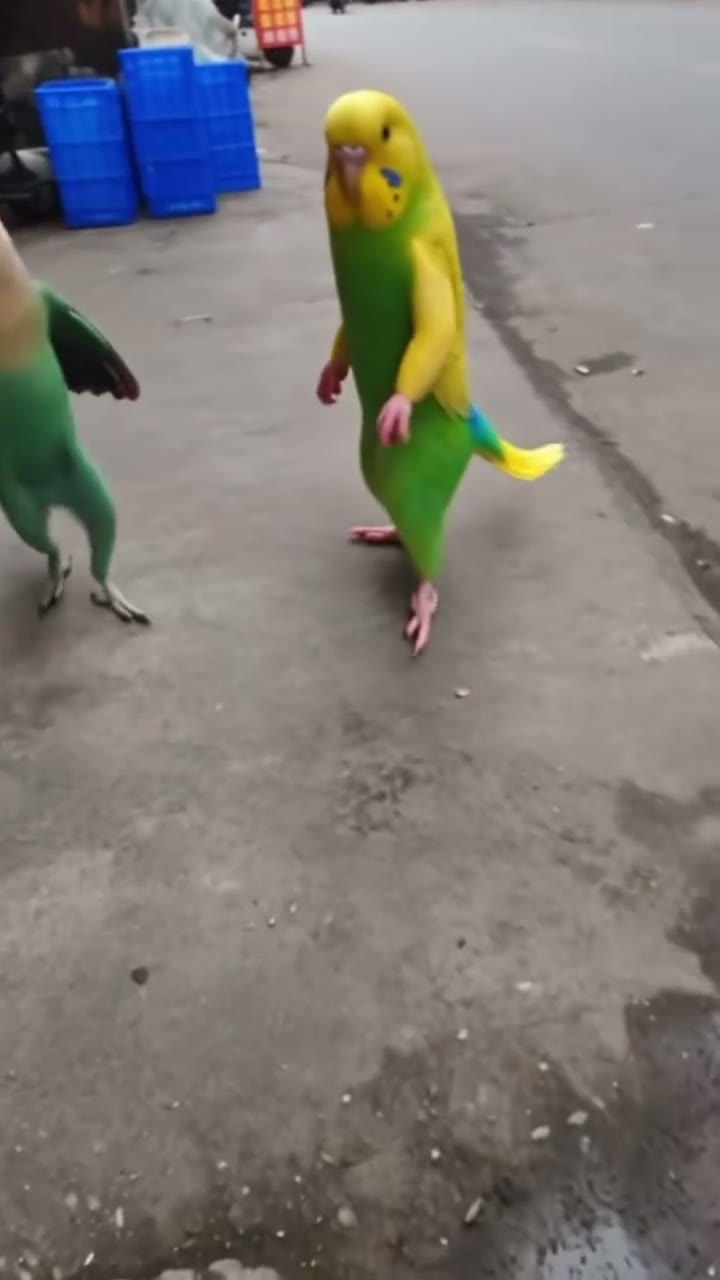
02Photo 2 · starts on the right
Photo 2 · starts on the right0/1
Aspect ratio
14s
100Credits
Remaining credits:
Public
Generation history

TikTok · @ayiahsoufi_

Christmas Dance AI for your own festive duo

Christmas Dance AI recreates the deadpan two-person routine shared by @ayiahsoufi_ on TikTok to DJ Izzy Duzzit’s Deck the Halls remix. Upload one photo for each dancer to put familiar faces into the small sways, rolling arms and small turn near the end. The prepared instructions follow the dance; you can review them before generating.

How to make your Christmas Dance AI video

Start with two separate photos and keep track of who begins on each side.

  1. 1

    Choose the dancer who starts on the left

    Place one clear person or pet in Photo 1. The left side means the viewer’s left at the beginning of the clip. A well-lit picture showing the face and some of the body gives the model useful information about appearance and proportions. Avoid a group photograph with several competing faces.

  2. 2

    Add the partner on the right

    Photo 2 supplies the dancer on the viewer’s right. Pick an equally clear portrait for the second character and check that you have not reversed the slots. Both dancers stay on their own sides as they sway and move their arms, with only a small turn near the end.

  3. 3

    Review the routine and choose a frame

    The prompt is ready to use, but you can clarify hair, markings or the pajama look. Keep the paired movement and steady camera. The default is 14 seconds in 9:16; 16:9 and whole-second durations from 6 to 15 are also available, with 720p output.

  4. 4

    Generate and check both performers

    Each submission costs 100 credits. Follow it in Generation history, then watch the completed clip with sound. Compare both faces before and after the turn, inspect the hands and check the ending. Download the MP4 when satisfied, or use Reuse parameters to prepare another attempt.

What makes this the Christmas pajama dance

A straight face is part of the joke

The original routine deliberately looks understated. Small hip movements and restrained expressions carry the humor, rather than an athletic performance or a dramatic transformation. Asking for huge smiles, fast acrobatics or a new camera move can change the character of the scene even when the holiday clothes remain visible.

The two dancers need shared timing

The collar gesture, rolling forearms and waves with raised open hands work because the pair move to the same rhythm. Watch the relationship between their movements, not just whether each dancer looks convincing in isolation. One character finishing a gesture much earlier than the other can make the result feel like two unrelated performances.

Christmas clothes support the scene

The source has casual tops and festive pajama trousers, rather than elf costumes or a Santa workshop. The prepared prompt asks for that relaxed seasonal feeling. You can describe a color preference, but several competing outfit changes can distract from keeping both uploaded subjects recognizable throughout the short sequence.

Keep each dancer on the correct side

The dancer from Photo 1 stays on the viewer’s left, and the dancer from Photo 2 stays on the right. They make a small turn near the end without exchanging places. Compare their faces, hair and clothing throughout the clip to check that each subject remains distinct.

Choose photos that keep both dancers recognizable

01

Use comparable, clear pictures

A sharp image for one dancer and a tiny, dark crop for the other gives the model uneven material. Start with two reasonably similar levels of detail. They do not need to come from the same camera or the same place; the uploaded backgrounds are not a request to combine two rooms.

02

Leave room around the subject

A picture cropped through the chin or covered by a phone hides information needed during the turn. A portrait or a three-quarter view with the face visible is a better starting point. The source pose does not have to imitate the dance, because the movement comes from the template.

03

Give accessories a clear purpose

A small recognizable accessory can help distinguish two similar-looking people, but large sunglasses, a heavy face filter or a low hat may obscure the face. Keep the details you want the output to preserve and remove clutter before upload instead of writing a long list of things for the model to ignore.

04

Pets need visible markings and limbs

For an animal version, choose a photograph showing the head, ears and paws rather than a close crop of fur. The prompt asks to retain species and natural limbs while adapting the gestures. Check the result for unwanted human hands, a changed muzzle or markings that switch between the two animals.

The original dance and an AI pet interpretation

Watch the real routine first, then compare a pet adaptation. These source clips show the trend, not guaranteed Kuca results.

TikTok · @ayiahsoufi_

The original deadpan Christmas duo

@ayiahsoufi_ and a partner perform the short routine in pajama trousers, with small synchronized movements and a small turn near the end.

Generate video
TikTok · @user5536342924262

Two kittens try the Christmas routine

An AI-made adaptation puts two kittens on a decorated stage. Our template follows the human original shown above, including when pet photos are uploaded.

Generate video

Choose the framing before you spend credits

Vertical for a phone feed

The 9:16 default gives the pair a tall frame for short-form viewing. Check that both heads and the moving arms fit inside it. When publishing, leave space for the social app’s own controls and add any greeting after downloading, where you can check its exact wording and placement.

Landscape for a wider layout

Choose 16:9 if the video is going into a horizontal greeting, a presentation or a wider edit. A change of ratio can alter the composition; it is not simply a download crop. Review the available space between the performers and keep both subjects large enough to recognize.

Short clips keep the opening of the dance

The default is 14 seconds, with whole-second durations from 6 to 15 available. A shorter clip keeps the opening portion of the routine rather than speeding up the full dance. At 6 seconds, expect the early sways; the waves with raised open hands around seconds 11–13 may be left out. Keep the default duration if you want to include those later movements.

Resolution is fixed at 720p

This template uses 720p and does not offer an additional resolution control. Avoid promising fine detail that would only be visible in a close-up. Judge the clip at the size it will actually appear on a phone, then inspect important features at a larger size before sharing.

Sound, captions and a greeting you can finish yourself

01

Listen to the generated clip

The sound in your finished clip is generated by AI and may differ from the original. Listen to it before sharing, especially around the final gestures. If you want the exact TikTok sound, select it in TikTok’s editor after downloading and check that it lines up with the dance.

02

Use the platform sound when needed

For a post using the original TikTok sound, choose that sound in TikTok before publishing. Preview the opening sways and later waves with raised open hands against the music, then adjust where your clip starts if needed. This lets you check the timing in the same editor you will use to share the video.

03

The prompt asks for no subtitles

The source video has a short English caption, but the generation instructions explicitly ask not to reproduce it or add written overlays. AI can still introduce an unwanted mark, so check the top of the frame and the background. A new attempt may be needed if text appears.

04

Add your own message after review

A short greeting is easier to control in an editor than inside a generated scene. First download a clean result, then add names, a date or a holiday wish where it does not cover either face. Check the spelling and preview the final edit with the app’s interface visible.

Credits and visibility

  • Check the cost before submitting

    A generation costs 100 credits. A task that reaches the failed state returns its charged credits. A completed clip with an awkward hand or an unwanted expression is still a completed generation; submitting another variation starts another paid task. Review photos and instructions before each attempt.

  • Choose Public or Private deliberately

    Free-account generations use Public. Paid users can choose Private before submitting to keep the video out of public display on Kuca. Check the setting each time you prepare a new generation, and choose photos you are comfortable using for the visibility you selected.

A quick check before you download

  • Review both characters, not just your own

    Pause at the beginning, during the turn and near the end. Look for a stable face, consistent hair, sensible hands and a partner who remains distinct. For pets, check ears and paws too. These checks often reveal issues that are easy to miss during the first uninterrupted playback.

  • Change one thing on the next attempt

    Reuse parameters brings a completed task’s inputs back into the workspace. Keep the parts that worked and adjust one weak photograph or one instruction. Several simultaneous changes make it harder to understand why the next result differs. Each new submission uses another 100 credits.

Questions about making the Christmas dance

No. Upload a separate subject in each slot; the template supplies the performance setting. Similar lighting and clear faces can help, but the two original photo backgrounds do not have to match.


Yes, the prepared prompt includes animal-specific instructions. Use one pet per slot and review paws, ears and markings in the output. The public pet example demonstrates an AI interpretation of the trend; it is not a guarantee of an identical setting or result.


The prompt prioritizes recognizable subjects in the relaxed festive pajama look. It does not promise an exact garment transfer. You can edit clothing details before submission, but identity and the paired choreography are the most useful things to keep clear.


Choose a whole-second duration from 6 to 15 and either 9:16 or 16:9. The default is 14 seconds, 9:16 and 720p. Short versions cover the opening of the dance, not the whole routine at a faster speed. Use the default duration to include the waves with raised open hands near the end.


The audio is generated by AI, so it may sound different from the original. Listen to the result before sharing. For the exact TikTok sound, choose it in TikTok’s editor after downloading and check the timing against your clip.


Open Generation history in the workspace. A completed result can be previewed and downloaded as MP4. Reuse parameters restores its inputs for editing; it does not start a new paid task until you submit again.


A task marked failed returns the 100 charged credits. If it completes but you want a different expression or outfit, another submission costs 100 credits. Watch the result before deciding which input to change.