
Kuca.ai
Loading
Trouble Maker AI Dance
01Dancer 1 · front
Dancer 1 · front0/1
02Dancer 2 · behind
Dancer 2 · behind0/1
Aspect ratio
10s

Default: 10 seconds. Above 10 seconds, AI freely continues the dance.

100Credits
Remaining credits:
Public
Generation history

Source · AIReel

Trouble Maker AI Dance with your own duo

Trouble Maker AI Dance puts two photographed people or pets into the duet made famous by HyunA and Jang Hyunseung’s “Trouble Maker.” Upload one photo for each dancer to recreate the shoulder accents, hip sways and partner turns on a red-lit stage. Start with a 10-second, 720p video for 100 credits; sound is generated with the performance.

How to make a Trouble Maker duet from two photos

Choose your two performers first. The template supplies the choreography and stage, so you can concentrate on the cast.

  1. 1

    Add a separate photo for each dancer

    Put one clear person or pet in each upload box. Dancer 1 replaces the pink-haired performer in the red dress at the front of the preview. Dancer 2 replaces the green-haired performer with glasses behind them. Both photos are required. The labels identify the starting roles; they do not force your subjects to keep those hairstyles or outfits.

  2. 2

    Keep the duet instructions or make a small edit

    The prepared prompt follows the stage clip for movement, camera cuts and timing, using your photos for the two new appearances. You can open the prompt editor to adjust a detail. Keep the identity assignments intact, especially the instruction to follow each dancer through turns and changes of screen position.

  3. 3

    Choose your frame and clip length

    Start with the default 16:9 landscape frame and 10-second duration. You can choose 9:16 for a vertical composition or any whole-second length from 4 to 15. Resolution stays at 720p and each submission costs 100 credits. Beyond the roughly 10-second reference passage, AI freely continues the duet while keeping your two performers and the stage setting.

  4. 4

    Generate, review and download

    Sign in, check both uploads and submit. Generation history shows progress and the completed result. Watch with sound on, then download the MP4. Use Reuse parameters to bring back the same photos and settings if you want another attempt. Generating that new version uses another 100 credits.

What is the Trouble Maker AI dance?

A K-pop duet with a new cast

“Trouble Maker” is the song by the Korean duo of HyunA and Jang Hyunseung, released in 2011. The AI dance trend recasts the performers while keeping recognizable partner choreography. The appeal comes from seeing a familiar friend, partner or unexpected character share the same confident routine, rather than learning a sequence of steps yourself.

Partner movement makes the difference

This is a two-person performance with shoulder accents, hip sways, turns and changes in spacing. Each dancer reacts to the other. The rhythm is easier to recognize when those interactions stay connected, so the prepared instructions prioritize the existing movement instead of adding unrelated gestures or a completely new story.

This template uses a red-lit stage

The preview shows an AI reinterpretation of a stage performance, with a pink-haired lead and a green-haired partner. It is the actual motion clip supplied for generation, not footage of a finished Kuca order. Your photos replace those two appearances; the stage, lighting and camera sequence guide the new performance.

Watch the role, not a fixed screen side

Dancer 1 can move across the frame or turn behind Dancer 2. Their identities should travel with those movements. Left and right in a single paused frame are not reliable identities for an entire duet. Assign the two starting roles once and check them again after the next turn.

Photos that keep your two dancers recognizable

01

One subject in each photograph

Choose a separate image for each person, even if you already have a photograph together. A simple crop can isolate each face and outfit. Multiple faces in one upload make it less clear whose identity belongs to that role. You do not need matching backgrounds, because the stage is supplied by the template.

02

Show the face and useful clothing details

An evenly lit face with visible hair and a waist-up or full-body view gives the model useful appearance information. Choose the outfit you want carried into the dance. A tightly cropped selfie can still supply a face, but leaves more of the body and clothing for the model to invent during the performance.

03

Choose a pair you can tell apart

Distinct hair, clothing or markings make identity changes easier to notice. This can be you and a friend, two consenting partners or two original characters. There is no requirement for a particular gender pairing. Keep the photographs reasonably sharp and avoid extreme angles if facial recognition is your main priority.

04

For pets, include the body and markings

You can try a pet in either role. The prompt asks for the animal’s own species, fur or feather pattern, and natural paws rather than a human face pasted onto an animal. Partner contact and upright dancing can still produce awkward anatomy. Review the complete result before deciding whether it is a version you want to share.

Three casts, the same stage duet

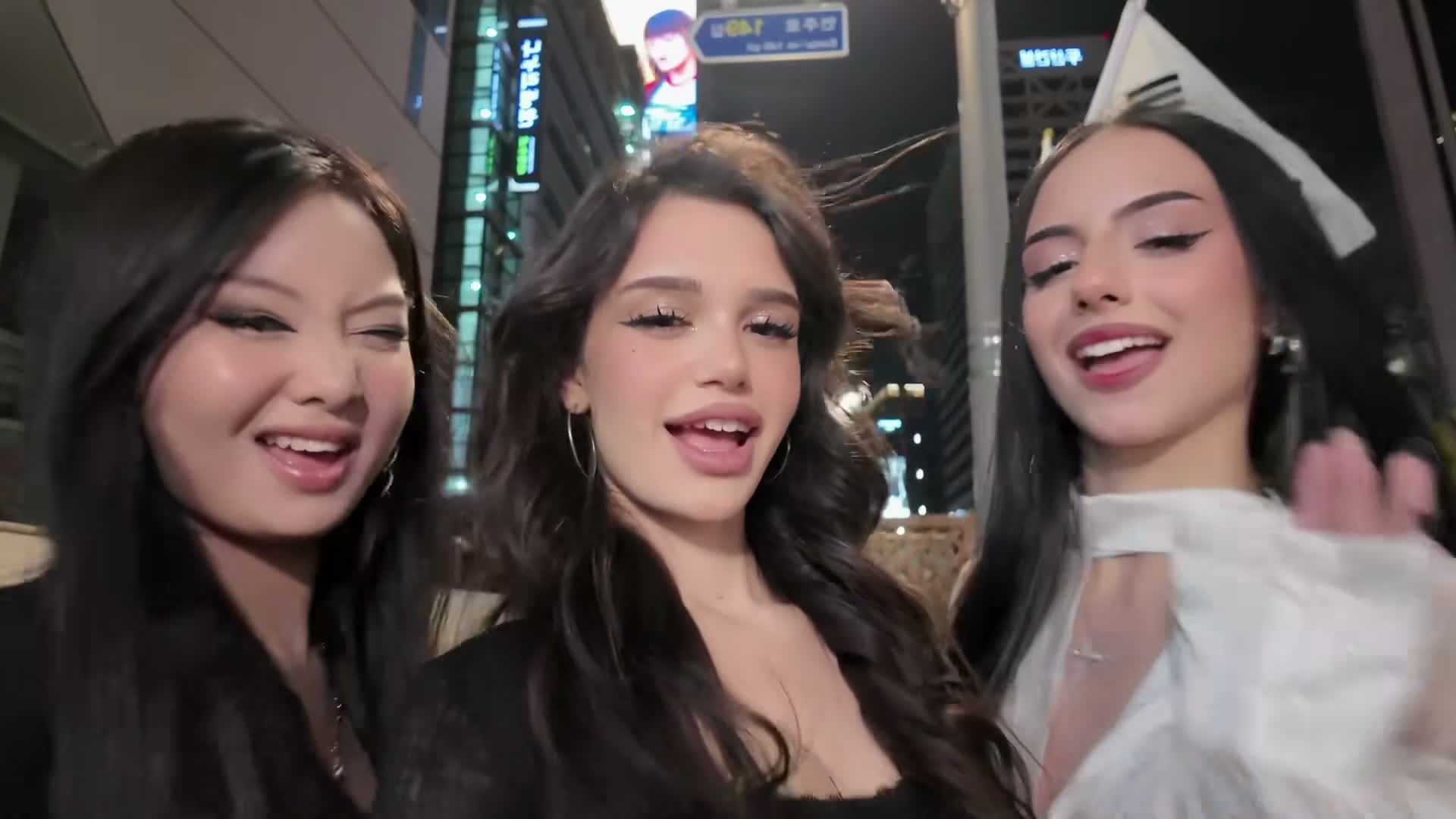
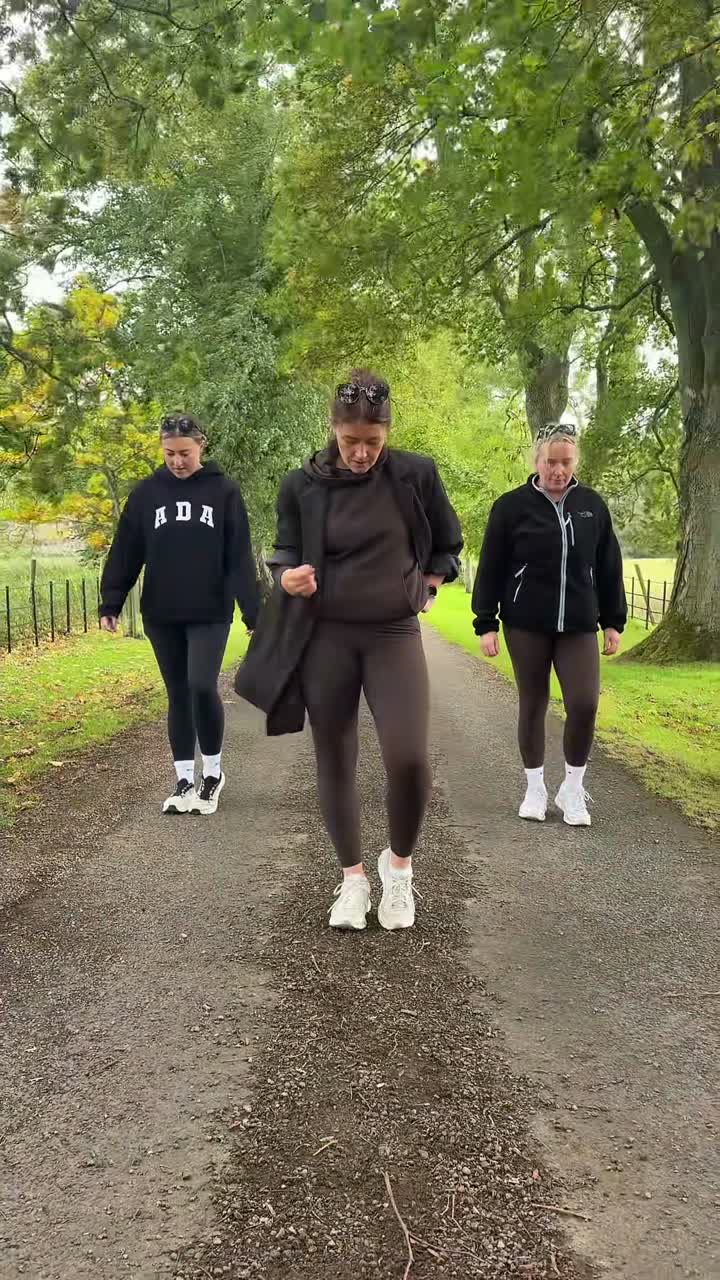
These independently sourced AI remixes show how different appearances change the same partner routine. The first clip is also the motion reference beside the upload form.

Source · AIReel

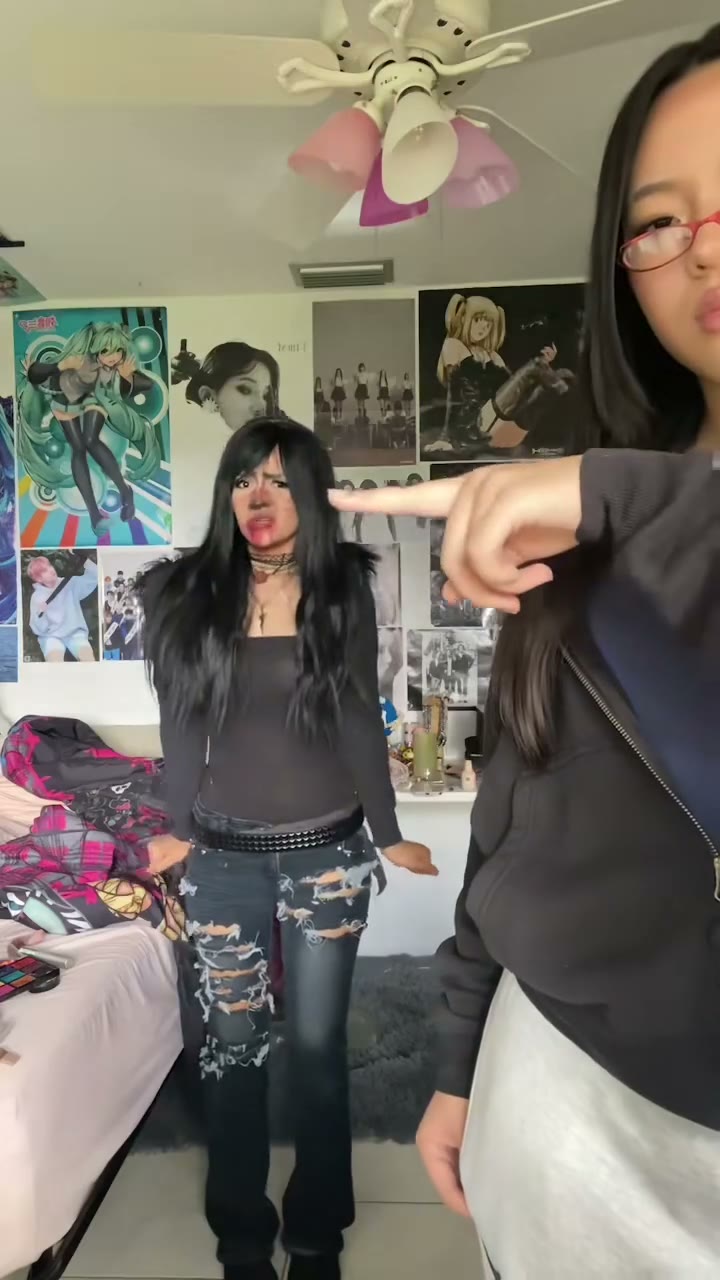
Pink hair meets green hair

A performer in a red dress shares the red-lit stage with a partner in black and glasses. Follow both roles through the shoulder accents and turns; these are the two starting roles your photos replace.

Generate video
Source · AIReel

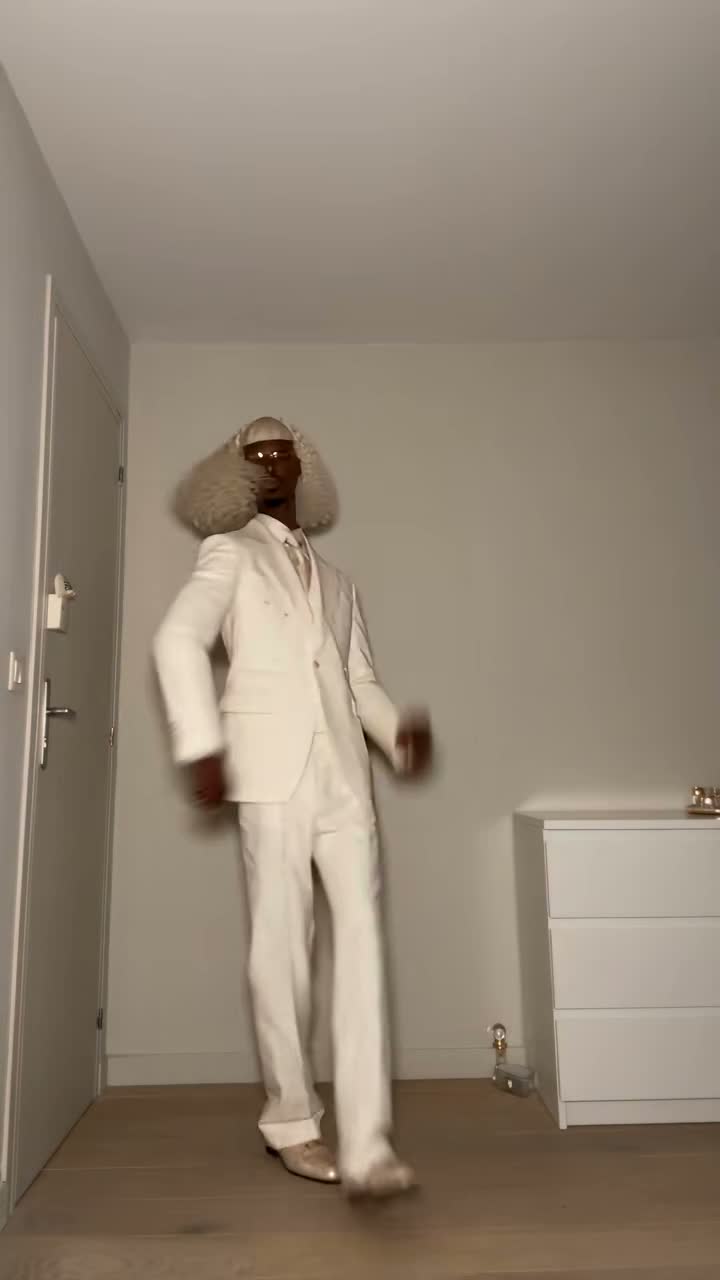
A hat, braids and a moustache

The front performer wears a broad hat and white trousers while the partner has black hair, glasses and a moustache. The contrasting outfits make the two roles easy to follow through the same sequence.

Generate video
Source · AIReel

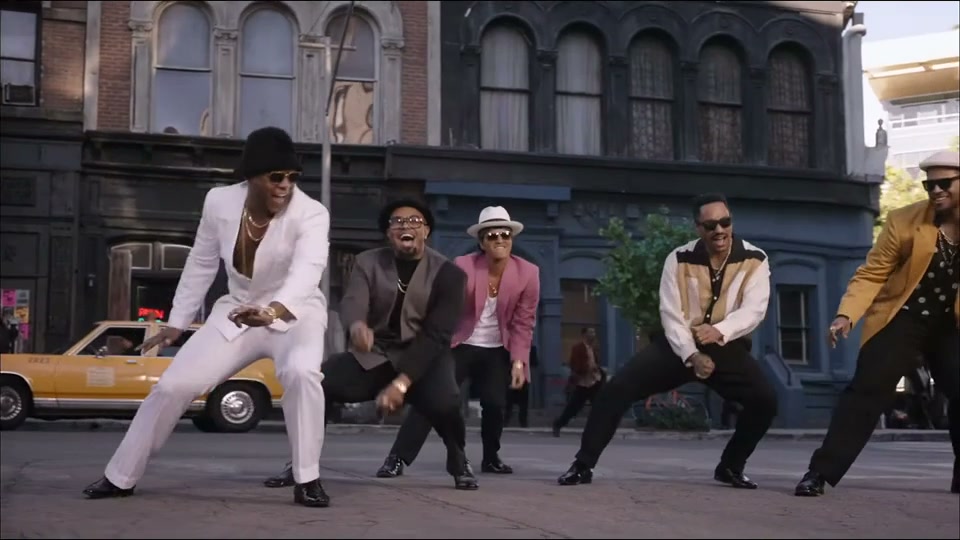
Two jackets and a different mood

A red-haired performer in a light jacket dances with a partner wearing a dark jacket. Compare their spacing and turns with the first clip rather than assuming the example selects another choreography.

Generate video

Choose a format for your dance video

9:16 for a vertical post

Choose 9:16 if you want a vertical post. The model recomposes the wider stage for a portrait frame, so check that both partners and their movements remain visible. The default is landscape; switching to portrait creates a new composition rather than simply cropping a finished video.

16:9 for a wider duet

The default 16:9 landscape frame gives the duet more horizontal room. Start here to keep both bodies and their changing spacing visible. Select the format before submitting; changing the aspect ratio afterwards requires a new generation rather than a second free export.

Ten seconds by default, up to fifteen

The default 10 seconds follows the prepared duet passage. Choose a whole-second duration from 4 to 15. Shorter clips follow the opening; beyond the roughly 10-second reference, AI invents a natural continuation of the dance with your two performers. That extended movement is newly generated, rather than another verified section of the reference.

720p MP4 with generated sound

This effect keeps resolution fixed at 720p. Download the finished MP4 from Generation history and watch it once at the size you intend to post. A clean thumbnail is not enough to judge moving hands, partner contact or the moment when one face is partly hidden.

Music, timing and useful prompt edits

01

The song behind the dance

The template is based on the Trouble Maker duet, not a generic dance attached to a keyword. The official performance linked below gives context for the song and choreography. The public examples are AI remixes with new appearances, so they should not be mistaken for original footage of those people performing together.

02

Listen to the generated soundtrack

Audio is enabled and the prompt asks the model to follow the music and beat of the supplied clip. This does not copy the soundtrack bit for bit. Listen for altered vocals, new sounds or imperfect synchronization. If you need an exact authorized recording, add the appropriate track in your editing or posting app after downloading.

03

Change appearance without rewriting the routine

A useful prompt edit might emphasize an uploaded jacket or ask for a calmer closing expression. Keep Image 1 and Image 2 attached to their original performer roles. Asking for a new location, different camera shots and different steps together makes the result a different dance and complicates any comparison with your previous take.

04

Check the overlap and the next clear view

Pause when one dancer passes in front of the other, then watch the following clear view of both faces. That transition is where identity drift can become visible. The prompt requests stable identities and separate limbs, but it is still a generated performance. Save the best take before starting a controlled revision.

Credits, failed tasks and visibility

  • Each submitted video costs 100 credits

    Preparing photos and watching examples does not spend generation credits. Pressing Generate submits a paid task. If the task is marked failed, the charged credits return through the normal failure process. A completed video with a face or movement you want to change counts as a completed generation; another attempt has its own charge.

  • Set Public or Private before submitting

    Free-account generations use Public. Paid access enables Private and downloads without Kuca’s added watermark. Private controls publication on Kuca; it does not make a direct file link safe to distribute freely. Use photos you are allowed to upload and choose the intended audience before you submit.

Review the duet before posting it

  • Follow both people through the whole clip

    Check face, hairstyle and outfit for Dancer 1, then do the same for Dancer 2. Look at turns and partner contact as well as the opening pose. Check that fingers and limbs stay separate, the waiting partner remains recognizable and neither face suddenly becomes the other person’s face after an overlap.

  • Keep a useful take and a clear next step

    Download the result you like before making another version. Reuse parameters restores the photos, prompt and settings so you can change one detail at a time. For public posts, check the permissions for the photographs and the soundtrack you actually use. A generated MP4 does not grant rights to a song or another person’s likeness.

SBSKPOP · Trouble Maker · 2011.12.18

Trouble Maker AI Dance questions

Dancer 1 replaces the pink-haired performer in the red dress, initially at the front. Dancer 2 replaces the green-haired performer with glasses, initially behind. Both boxes need a separate photo. The identities follow those roles through turns and crossings, rather than staying on a fixed screen side.


This page requires two separate uploads. Crop the couple photograph into one image per person and place each crop in its intended box. Keep enough of the face and outfit visible in each crop.


Preparing your photos and watching the examples is free. Each submitted generation costs 100 credits, including a new attempt with the same images. Check your balance and the displayed cost before submitting.


A task marked failed returns its charged credits. Copyright or IP restrictions stop the request and display a specific message; do not keep retrying the same blocked material. A completed result that you want to revise is charged as another generation.


Sound is generated with the video, with instructions to follow the supplied music. The exact recording is not guaranteed. Listen to the download and use an appropriate licensed or platform-provided track when an exact version matters.


You can upload one clear pet photo in either box and a person or another pet in the other. Show the animal’s face and markings. The prompt requests animal features, but upright movement and partner contact may need careful review.


The default is 10 seconds, 16:9 and 720p. You can choose 4–15 whole seconds and switch to 9:16 before submitting. Beyond the roughly 10-second reference, AI freely continues the dance. The result downloads as MP4.


Paid access enables Private. Choose that setting before generating. Private limits publication on Kuca, while downloaded files and direct links still need to be shared carefully.


Trouble Maker was performed by HyunA and Jang Hyunseung as the Korean duo Trouble Maker. This page recreates a short partner dance passage with uploaded identities; it does not turn your photos into a new song performance or a music license.