

MAGI 2
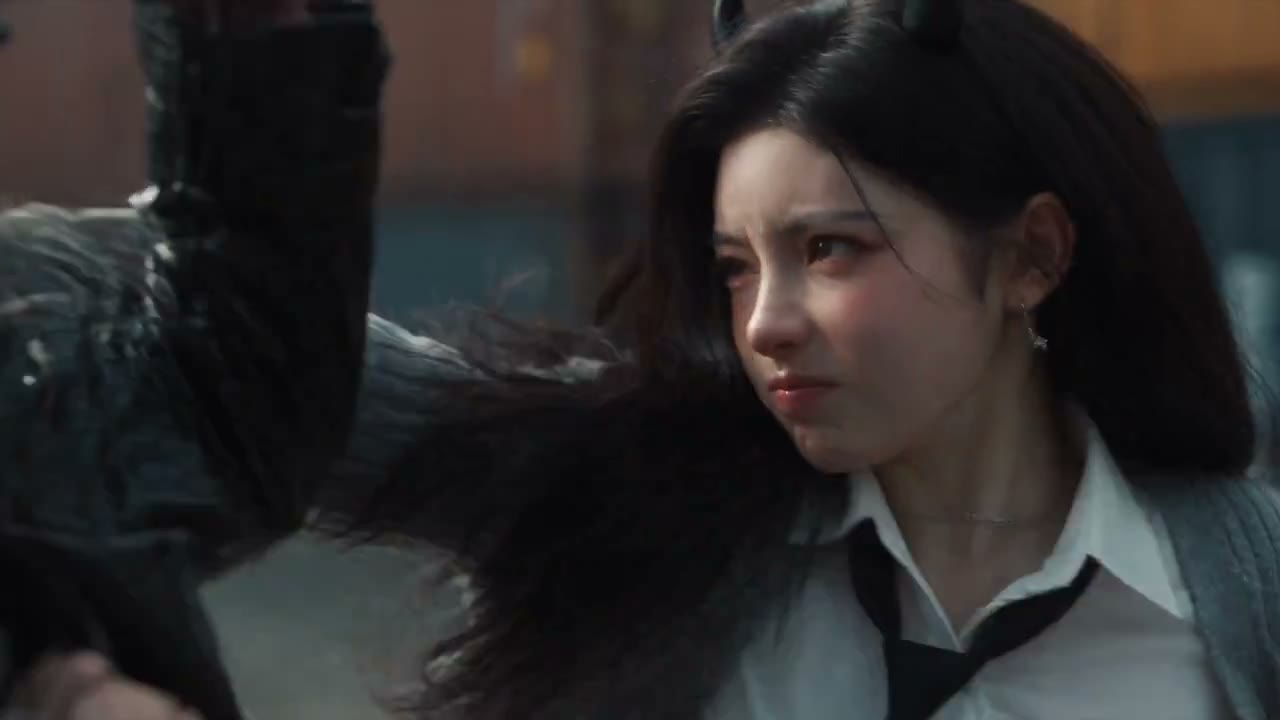
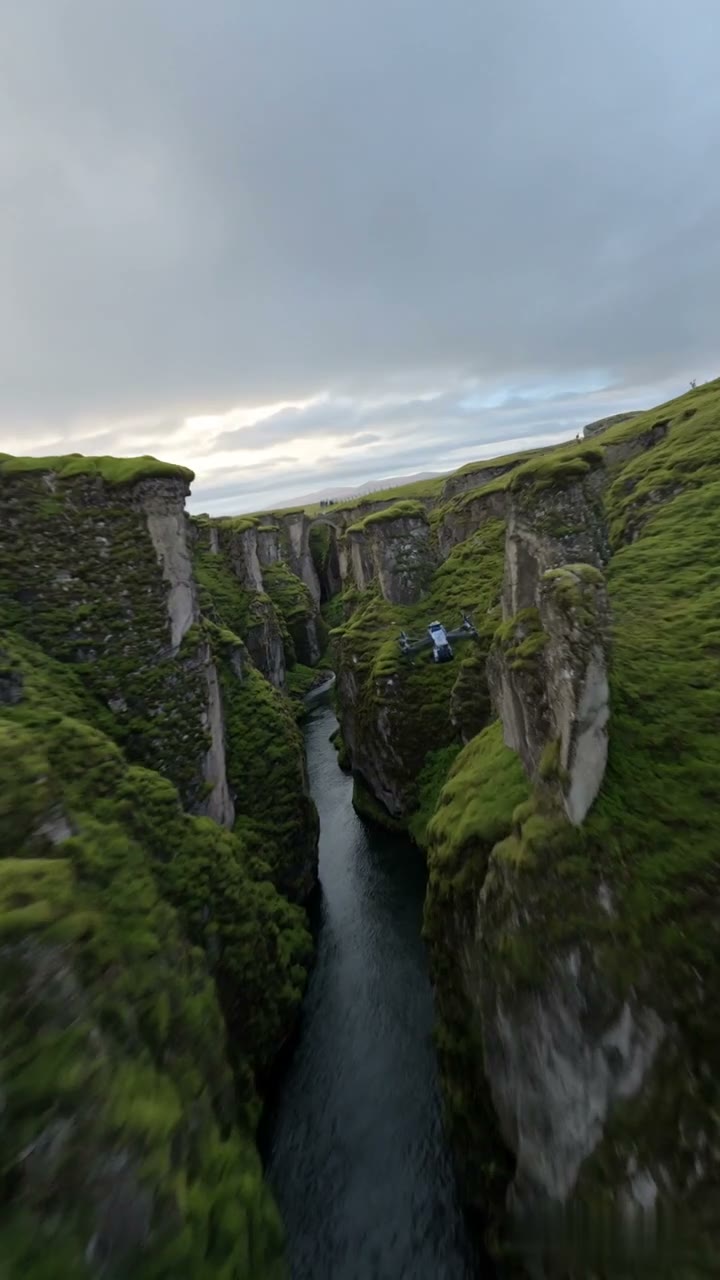
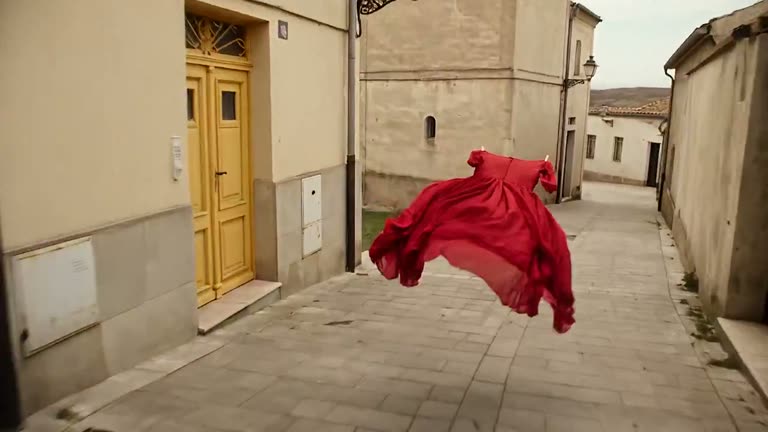
Discover Sand AI's newly announced video model for scenes with native sound, multiple visual and audio references, and timeline control. Explore its capabilities and watch official demonstrations on Kuca.
Four steps for a clear brief
- 1
Define the scene
Choose one clear objective, then describe the location, main subject, action, and visual treatment. Set a duration that gives the action enough room without introducing unnecessary events.
- 2
Prepare references
Select images, video, or audio that answer specific creative questions. Label each reference by purpose, such as character appearance, environment, movement, voice direction, or musical mood.
- 3
Map timing and sound
Write the order of events, intended cuts, camera movement, dialogue, and background sound. Separate spoken words from acting instructions so the desired performance is easy to interpret.
- 4
Review before production
Check reference permissions and make the brief internally consistent. When using an official access route, confirm current limits and costs, then review the resulting picture, sound, and continuity before publishing.
Official MAGI 2 demonstrations
This official Sand AI clip shows how character and scene references can work together. It was not generated on Kuca.
A character inside a giant flower world
An official demonstration combines character and scene references in a world of giant flowers. It illustrates how separate references can contribute subject identity and environment to the same creative brief.
Key capabilities
Full model announced
Sand AI describes the full MAGI 2 with 480 billion total parameters and approximately 28 billion active parameters per token.
Video with native sound
Official specifications describe clips up to 30 seconds at 1080p and 25 frames per second, with native picture and audio generation.
Twenty reference inputs
Native official requests support up to twenty references: ten images, five videos, and five audio inputs, each contributing to the creative brief.
Timeline and editing controls
The announcement describes timeline control, cut control, and video editing, giving creators ways to organize events and guide changes within a sequence.
Plan a scene
Write MAGI 2 prompts around observable action
Write one visible action: who does what, and where? Add the framing and any detail that must stay consistent, such as clothing across shots.
Prepare MAGI 2 image, video, and audio references
Give each reference one job: an image for appearance, a clip for movement, or audio for atmosphere. Leave out files that send conflicting signals.
Direct MAGI 2 dialogue, foley, ambience, and music
Name the speaker and quote the exact line. Describe sound effects, ambience, and music separately so it’s clear what should be heard over the dialogue.
Use MAGI 2 timeline and cut control deliberately
Outline the opening, action, and ending. Mark deliberate cuts and say what should stay consistent across them, such as lighting or a prop’s position.
Full model and Preview
What the full MAGI 2 announcement establishes
The full MAGI 2 has 480 billion parameters. It generates video and sound together, with a stated maximum of 30 seconds at 1080p.
Distinguish MAGI 2 from MAGI 2 Preview
MAGI 2 Preview is a separate, earlier model with 114 billion parameters. Its public inference workflow generates 10-second clips and includes a 1080p refiner.
Before producing a video
Review MAGI 2 results for continuity and usable detail
Evaluate a video against the brief rather than its strongest frame. Watch once at normal speed for story clarity, then inspect important actions and transitions more closely. Check that subjects remain recognizable, props stay where the action requires them, camera movement serves the scene, and the ending gives the viewer enough time to understand what happened. Listen separately for dialogue accuracy, background balance, abrupt changes, and sounds without a clear source. Check faces, hands, text, and any product details that matter to the intended use. If a revision is needed, change the instruction responsible for the problem and preserve the parts that already work. Keep a simple record of the prompt, references, model version, and review notes. That makes future revisions more purposeful and helps collaborators understand why a take was accepted.
Plan MAGI 2 access, rights, and production costs
Kuca shows official demonstrations on this page but does not accept prompts or image uploads. Video generation is not connected, so no credits are charged. Kuca has not announced a price or release date. Before budgeting a production, check the terms and limits of the service you plan to use. A realistic budget includes iteration, review, and finishing as well as any generation fee. Confirm how the access provider measures usage, whether unsuccessful requests are billed, and whether editing or longer outputs have separate costs. Check rights for source images, recordings, music, and recognizable people, along with the terms governing generated output. For commercial work, keep permissions and source records with the project. Model capabilities alone do not settle those production decisions.
Practical questions
No. This page shows official examples only. It does not accept prompts or images, send generation requests, or charge credits.
The official announcement describes output up to 30 seconds at 1080p and 25 frames per second. Confirm the options exposed by your actual official access route, since a particular interface or deployment may offer a narrower set of settings.
Native official requests support up to twenty references: ten images, five videos, and five audio inputs. Give each one a clear purpose. These limits apply to the official model, not to this Kuca preview.
The full model is announced with native picture and audio generation covering dialogue, foley, ambience, and music. Specify spoken lines, speaker direction, and background layers separately, then review their balance and timing. Perfect lip synchronization or performance is not guaranteed.
Choose a continuous take when uninterrupted movement or transformation is central to the idea. Use explicit cuts when you need a new viewpoint or a clear story transition. Describe timing and continuity requirements so the intended structure is easy to evaluate.
An open release and technical report have been promised, but availability has not been verified here. The Apache 2.0 repository associated with the August 2026 Preview is an earlier release and does not establish availability or licensing for the full model.
Kuca has published neither a MAGI 2 price nor an integration release date. The local workspace has no generation charge. For an official access option, check its current billing terms and include revisions and finishing work in your budget.
Confirm the applicable model and service terms, permissions for every supplied reference, and any consent needed for recognizable people or voices. Review the final clip for visual defects, dialogue accuracy, continuity, and unsuitable details before distributing it.